
Noah Morris
Co-Founder

How To Write A YouTube Script In Minutes Using AI: The Complete Guide For 2026
Many YouTube creators run into the same frustrating problem sooner or later: writer’s block. You sit down to write a script for your next video, you know the topic you want to talk about, but the words just don’t come out. Sometimes it can take hours just to write the intro, and finishing the full script can take an entire day. When you’re trying to upload videos every week, that quickly becomes a huge problem.
This is exactly where AI script generator tools come in. Instead of writing every single line yourself, you can use AI to generate ideas, outlines, hooks, and even full scripts in a matter of minutes. These tools help you move past writer’s block and speed up the entire process so you can focus on the parts of YouTube that actually grow your channel. By letting AI handle scriptwriting, it becomes much easier to stay consistent with your uploads and keep producing content without feeling stuck every time you open a blank page.
What Is An AI YouTube Script Generator And Why You Need One?
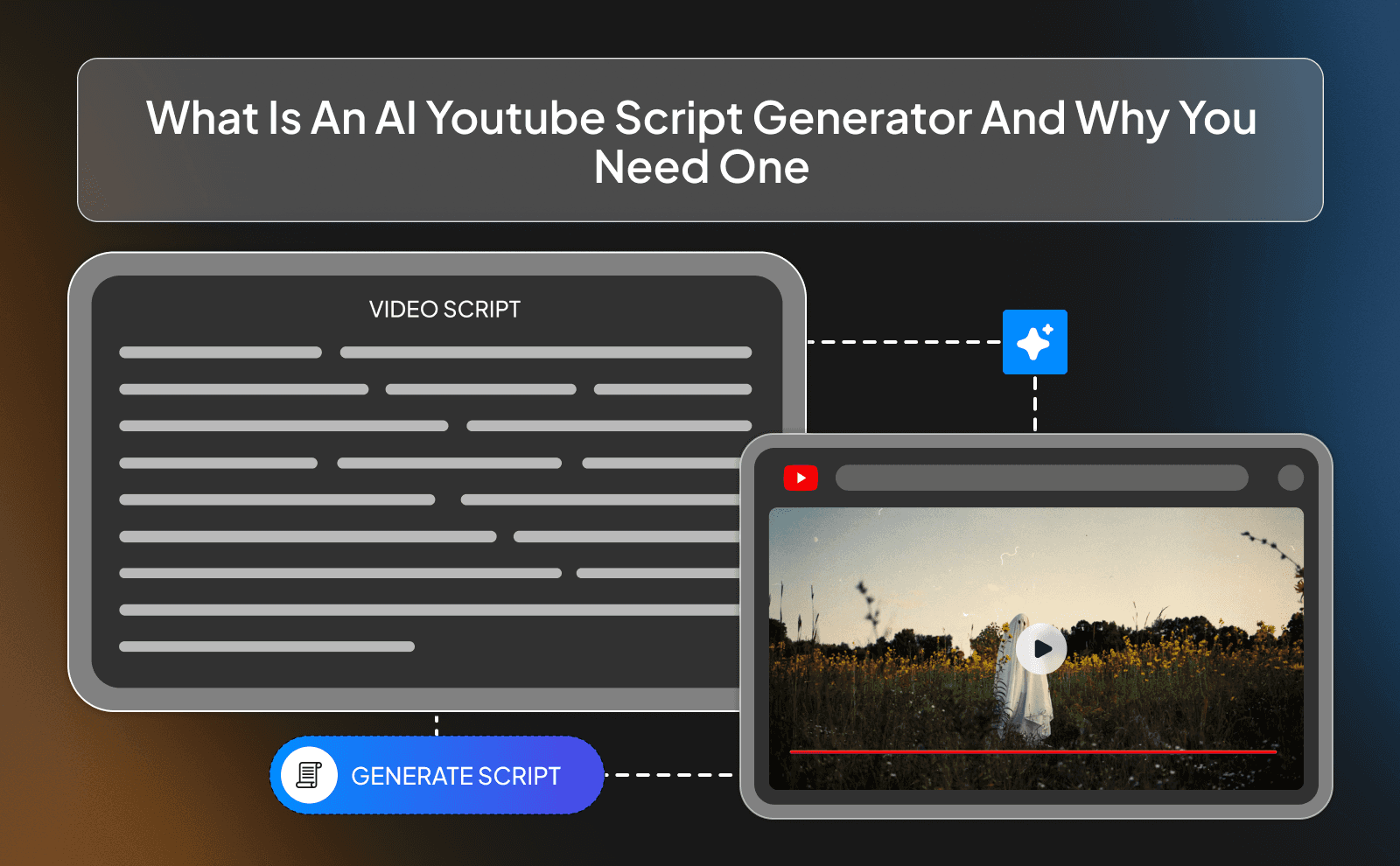
An AI YouTube script generator is a tool that helps you write video scripts faster by using artificial intelligence. Instead of staring at a blank page trying to figure out what to say, you give the tool a topic, a title, or a few ideas, and it helps turn them into a script. It can generate intros, talking points, hooks, and even full video scripts that you can then edit and personalize.
This is especially useful for YouTubers who need to post content regularly. Writing scripts from scratch every time can take hours and sometimes even days, especially when you're trying to make the content high quality and well organized.
Saves Hours Of Scriptwriting Time
One of the biggest benefits of using an AI script generator is how much time it can save. Writing a good YouTube script is not always quick. You usually have to research the topic, think about the structure of the video, write the hook, organize the main points, and make sure the script flows well. All of that can easily take several hours for a single video, especially if you’re trying to make your content really engaging.
With an AI tool, a lot of that heavy work is done for you in minutes. You can generate a full draft almost instantly and then simply edit it to match your voice and style. Instead of spending half a day writing, you might only spend 20–30 minutes editing the script.
Helps You Create More Consistent Content
Consistency is one of the most important things when growing a faceless YouTube channel. The more consistently you upload videos, the more chances you give the algorithm to push your content to new viewers. But the problem many creators face is that writing scripts regularly can become exhausting, especially when you're trying to upload multiple videos every week. We can make faceless videos using AI video generators as well maintaining the quality.
AI script generators make this process much easier by speeding up the writing stage. When creating scripts becomes faster and simpler, it’s much easier to stay on a regular posting schedule. Instead of getting stuck for days trying to finish one script, you can quickly create drafts and move on to filming and editing.
Overcomes Writer’s Block Instantly
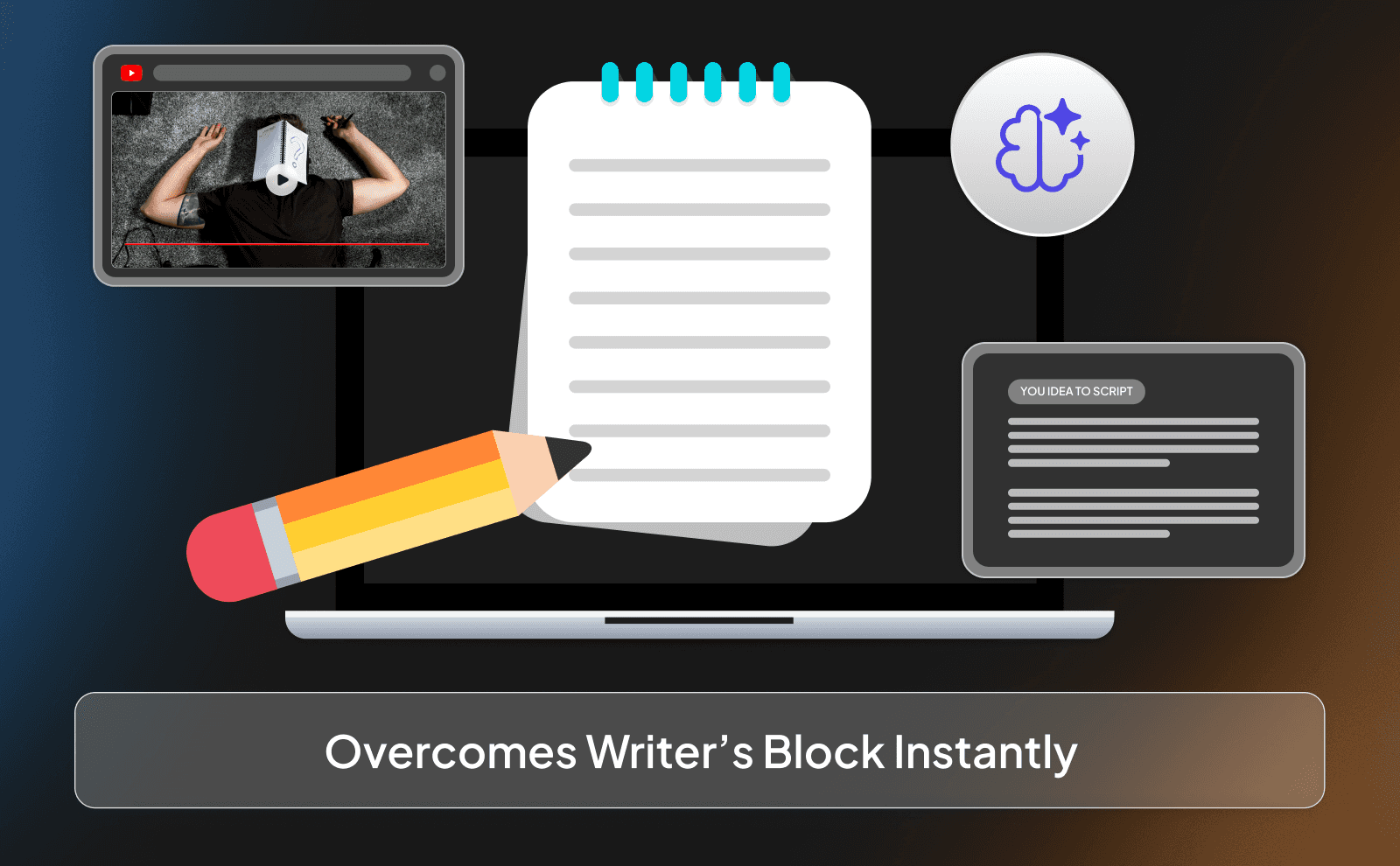
Writer’s block is something almost every YouTuber experiences at some point. You sit down to write a script, you have the topic in mind, but nothing comes out. You might spend 30 minutes just trying to write the first sentence of your intro. That kind of delay can be frustrating and can slow down your entire content creation process.
An AI script generator helps you get past that problem instantly. Even if the first draft it gives you isn’t perfect, it gives you something to work with. Once you have words on the page, it becomes much easier to edit, improve, and add your own ideas.
How AI Script Generators Actually Work?
AI script generators work by analyzing huge amounts of text that already exist on the internet. They learn patterns in how people write, how stories are structured, and how information is explained. When you give the tool a topic or a prompt, it uses what it has learned to predict what words and sentences should come next. That’s how it’s able to generate a script that sounds natural and organized in just a few seconds.
Most content creation tools also follow common YouTube video structures. For example, they automatically create a hook at the beginning, introduce the topic, break the video into clear sections, and then end with a conclusion or call to action. The AI doesn’t actually “think” like a human, but it’s very good at recognizing patterns.
What Makes A Good YouTube Script AI Tools?
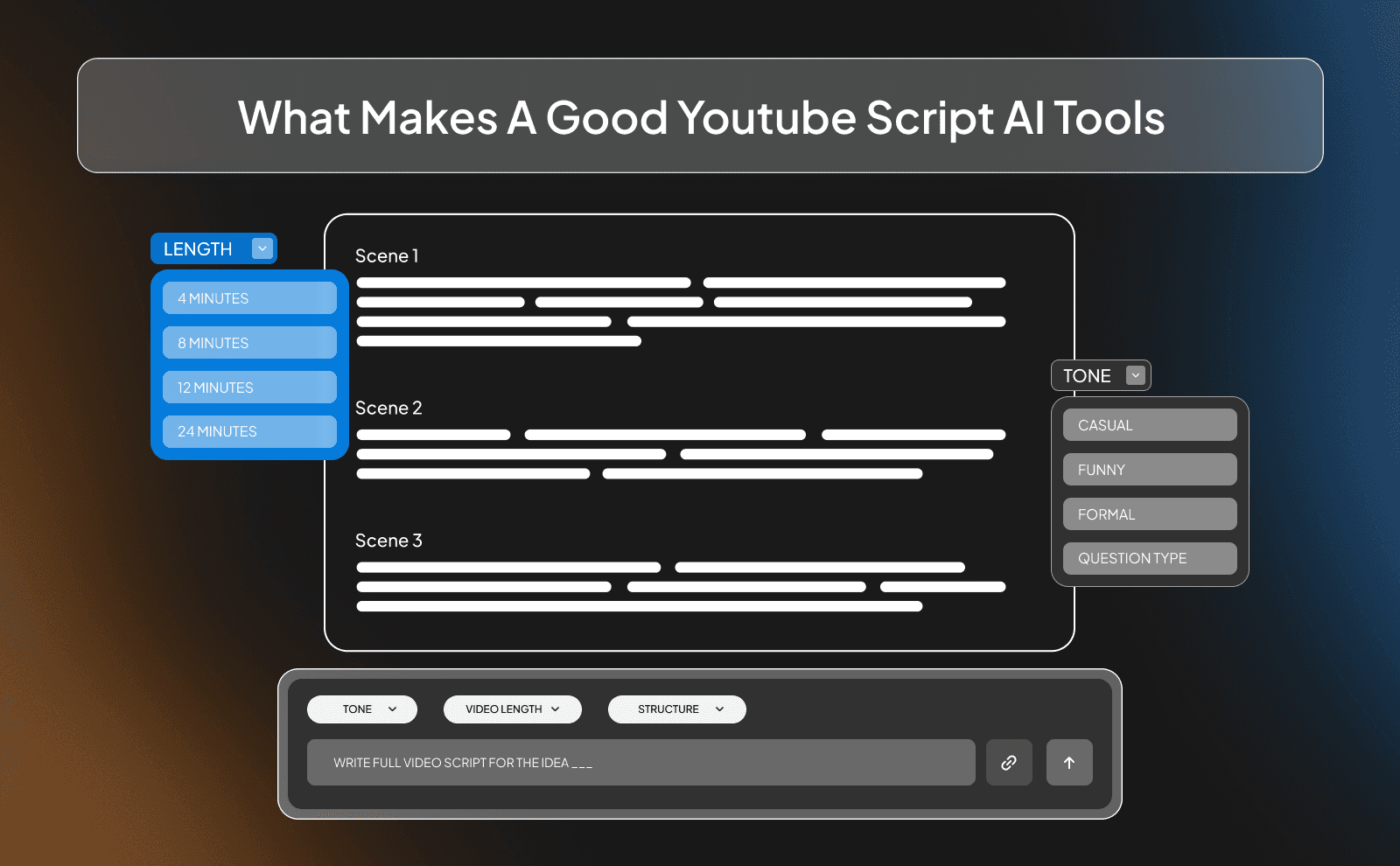
A good AI script tool should make your job easier, not harder. The best ones can understand simple prompts and still produce scripts that are clear and structured. They should help you generate hooks, outlines, and talking points that feel natural and easy to follow. If the tool constantly produces confusing or overly complicated text, it defeats the whole purpose of saving time.
Another important thing is flexibility. A good tool should allow you to adjust the tone, length, and structure of the script. Some creators prefer short, fast paced scripts while others want longer and deeper storytelling formats. The best AI tools give you a strong starting point but still leave room for you to edit and shape the script so it fits your voice and your audience.
AI limitations In Scriptwriting
Even though AI can be extremely helpful, it’s important to understand that it’s not perfect. AI doesn’t truly understand your audience, your personality, or your exact style of storytelling. Sometimes the scripts it generates can sound a little generic or repetitive. That’s why you should never rely on the first draft without reviewing it.
Another limitation is accuracy. AI can occasionally include outdated information or make claims that need to be fact checked. It also might miss small details that make a video more engaging, like personal experiences, strong opinions, or unique examples.
How To Write A YouTube Script Using AI?
Using AI to write a YouTube script is actually a very simple process once you understand the steps. Instead of trying to write everything from scratch, you guide the AI step by step so it can help you build the script. This usually starts with choosing a strong video topic and understanding who your audience is.
The important thing to remember is that AI works best when you guide it properly. The more clear and specific your instructions are, the better the results will be.
Video Topic And Target Audience
Before you even open an AI tool, you need to know what your video is about and who it’s for. The topic should be clear and focused so the AI knows what kind of script to generate. For example, “How to grow a YouTube channel from A to Z in 2026 using AI” is much more specific than something vague like “YouTube tips.”
Your target audience also matters a lot. A script for beginners will sound very different from a script meant for experienced creators. If you know who you’re talking to, you can guide the AI to use the right tone and level of explanation. This makes the final script feel more relevant and helpful for the people watching your videos.
Creating An Effective Prompt For AI
The quality of the script you get from AI depends heavily on the prompt you give it. A prompt is simply the instruction you write to tell the AI what you want. If the prompt is too short or unclear, the script will usually be weak or generic. But if you give clear details, the results can be surprisingly good.
A good prompt usually includes the video topic, the target audience, the tone you want, and the structure of the video. For example, you might ask the AI to create a script with a strong hook, several clear sections, and a simple outro. When you guide the AI like this, it becomes much easier to generate scripts that already feel close to what you had in mind.
Generating Your Script Outline
Before generating a full script, it’s usually better to start with an outline. An outline is basically the skeleton of your video. It shows the main sections and key points that the script will cover. This step helps you see the overall structure of the video before you move on to writing everything in detail.
Using AI to create an outline is very quick. You simply ask the tool to break your video topic into several main sections or talking points. Once the outline is generated, you can review it and make small adjustments if needed. This gives you a clear roadmap for the script and helps ensure that your video flows smoothly from beginning to end.
Expanding The Outline Into A Full Script
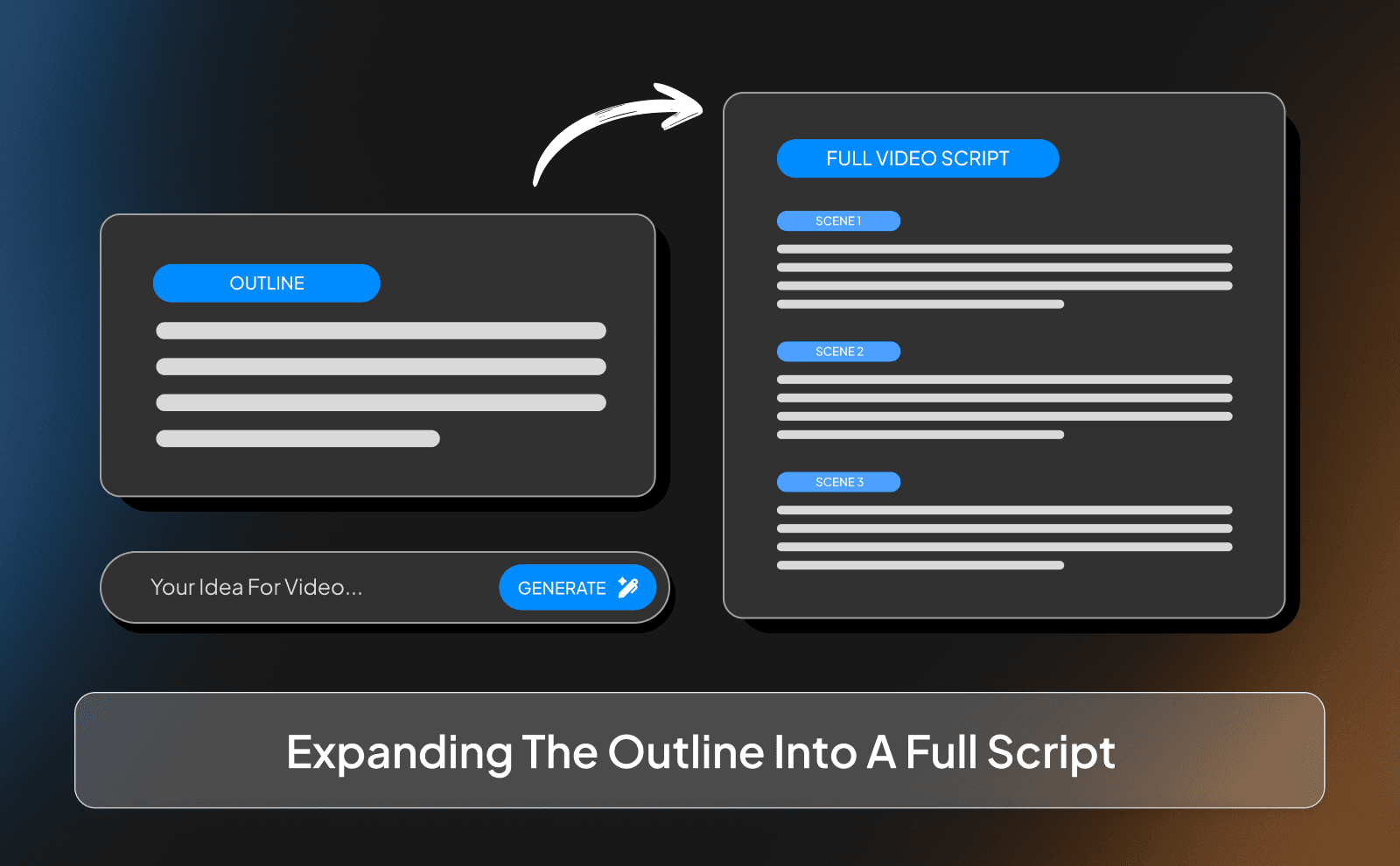
Once you’re happy with the outline, the next step is to expand each section into a full script. At this stage, the AI takes the main points from the outline and turns them into complete sentences and paragraphs that you can read during your video. This is where the script really starts to take shape.
You can either ask the AI to expand the entire outline at once or go section by section. Many creators prefer doing it step by step because it gives them more control over the final result. As the AI generates each part, you can review it, adjust the wording, and make sure everything flows naturally before moving on to the next section.
Refining And Personalizing The AI Generated Script
After the AI generates the script, the final and most important step is refining it. This means reading through the script carefully and adjusting anything that sounds unnatural or too generic. You might shorten some sentences, add your own opinions, or include examples that make the content more interesting.
This is also the stage where you add your personality. AI can create the structure and basic wording, but your voice, humor, and storytelling style are what make the video unique. By editing the script and making it sound more like you, the final result feels much more authentic and engaging for your audience.
How To Use VidRush To Write Perfect Script For Faceless Videos?
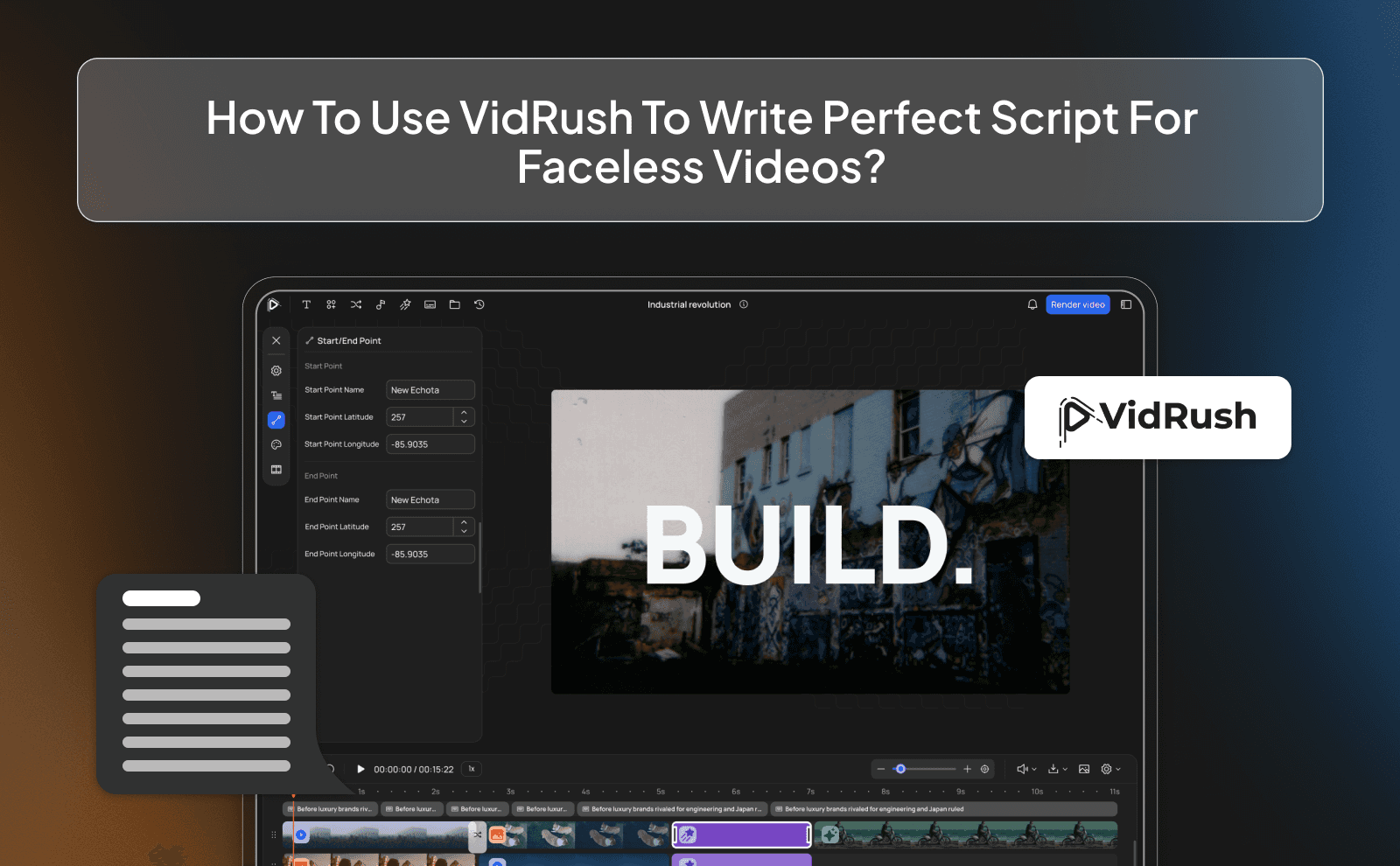
When creating faceless videos, the script becomes the most important part of the entire video. Since the audience isn’t watching a person on screen, the words, pacing, and structure of the script are what keep viewers interested. This is where platforms like VidRush become extremely useful. Instead of just generating text like many other AI tools, VidRush is designed specifically for video creation.
One big advantage of using VidRush is that the script isn’t created in isolation. Because the platform also handles voiceovers, visuals, editing, and thumbnails, the script is written with those elements in mind. This means the pacing often fits better with visuals and clips that will be used later in the video.
Why Prompting Matters For Writing Good YouTube Video Scripts And How To Do It?
Prompting is one of the most important parts of using AI for scriptwriting. A prompt is simply the instruction you give the AI to explain what kind of script you want. If the prompt is vague or unclear, the script will often be generic and less useful. But when the prompt clearly explains the topic, audience, and structure of the video, the AI can generate something much closer to what you actually need.
Creating Different Types Of YouTube Scripts With AI
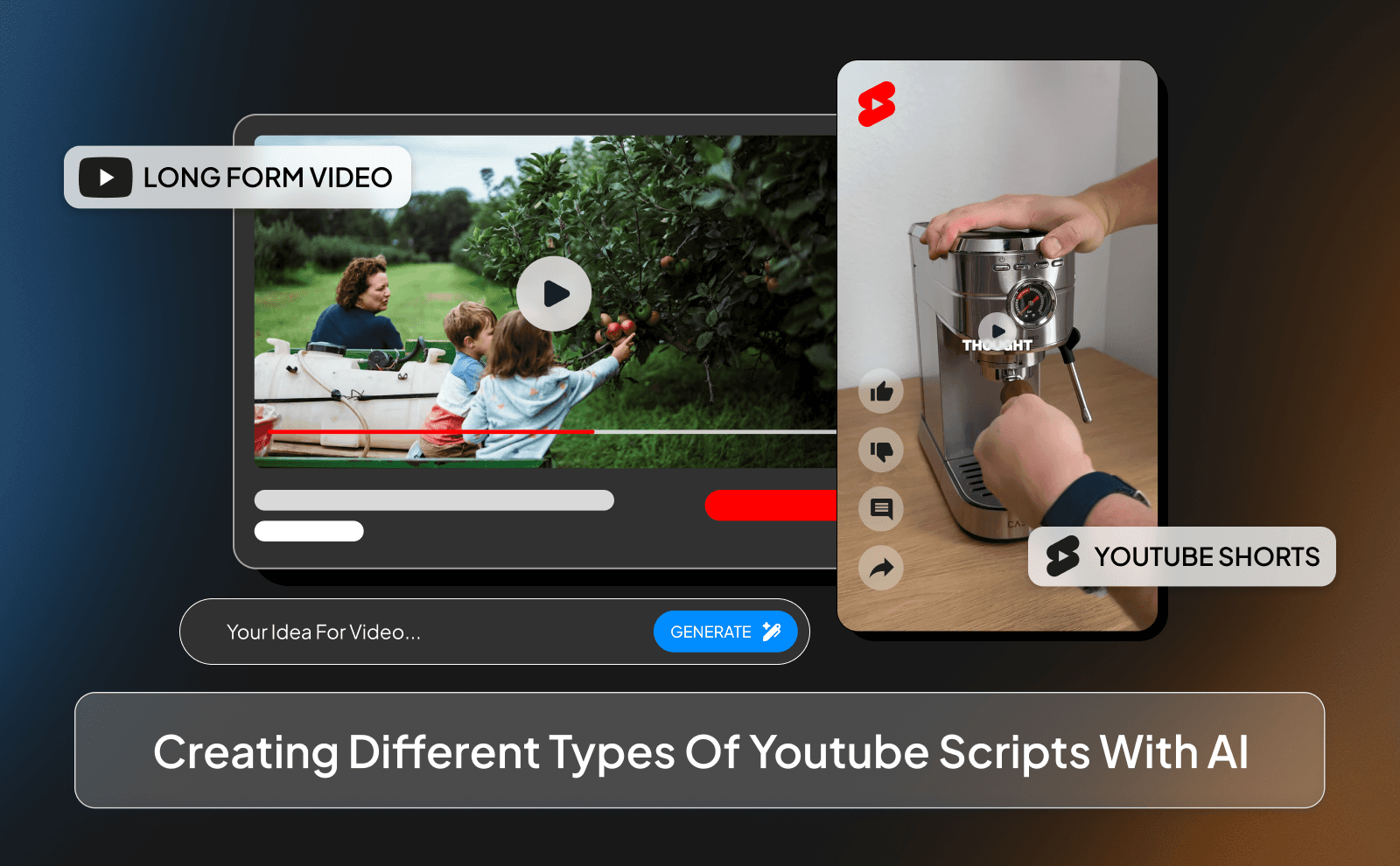
Long Form YouTube Video Scripts
Long form YouTube videos usually require more structure because they often run anywhere from 8 to 20 minutes or even longer. These scripts need a strong introduction, clear sections, and smooth transitions so the viewer stays interested throughout the entire video. Without a clear structure, long videos can easily feel slow or repetitive.
AI tools help by quickly generating outlines and expanding them into detailed scripts. This makes it easier to organize your ideas into clear segments that flow naturally. Instead of struggling to plan every part of a long video yourself, the AI can create a strong base structure that you can refine and improve before recording the voiceover.
YouTube Shorts And Reels Scripts
Short form content like YouTube Shorts and Instagram Reels works very differently from long videos. These videos are usually under a minute, which means every second matters. The script needs to get straight to the point and grab attention immediately, because viewers can easily scroll away if the video feels slow.
AI can help generate short scripts that are designed for short-form content. Instead of long explanations, the script focuses on quick statements, strong hooks, and clear takeaways. This makes it easier to produce short videos that are engaging and easy to watch, which is exactly what short-form platforms reward.
Tutorial And How To Video Scripts
Tutorial videos need a clear and simple structure because the main goal is to teach something step by step. If the script jumps around too much or explains things in a confusing way, viewers can easily get lost. This is why having a well organized script is very important for this type of content.
AI tools can help break down a topic into clear steps. For example, the script might start by explaining what the viewer will learn, then walk through each step one by one, and finish with a quick summary. This makes the tutorial easier to follow and ensures that viewers understand the process from beginning to end.
Writing Powerful Hooks With AI Hook Generators
Why The First 15 Seconds Matter Most?
The first few seconds of a video are extremely important because that’s when viewers decide whether they want to keep watching or leave. If the video takes too long to explain what it’s about, many viewers will lose interest and move on to something else. This is why strong hooks and clear introductions are so valuable. In the first 10 to 15 seconds, the viewer should understand what the video is about and why it’s worth watching.
Using AI To Generate Attention Grabbing Hooks
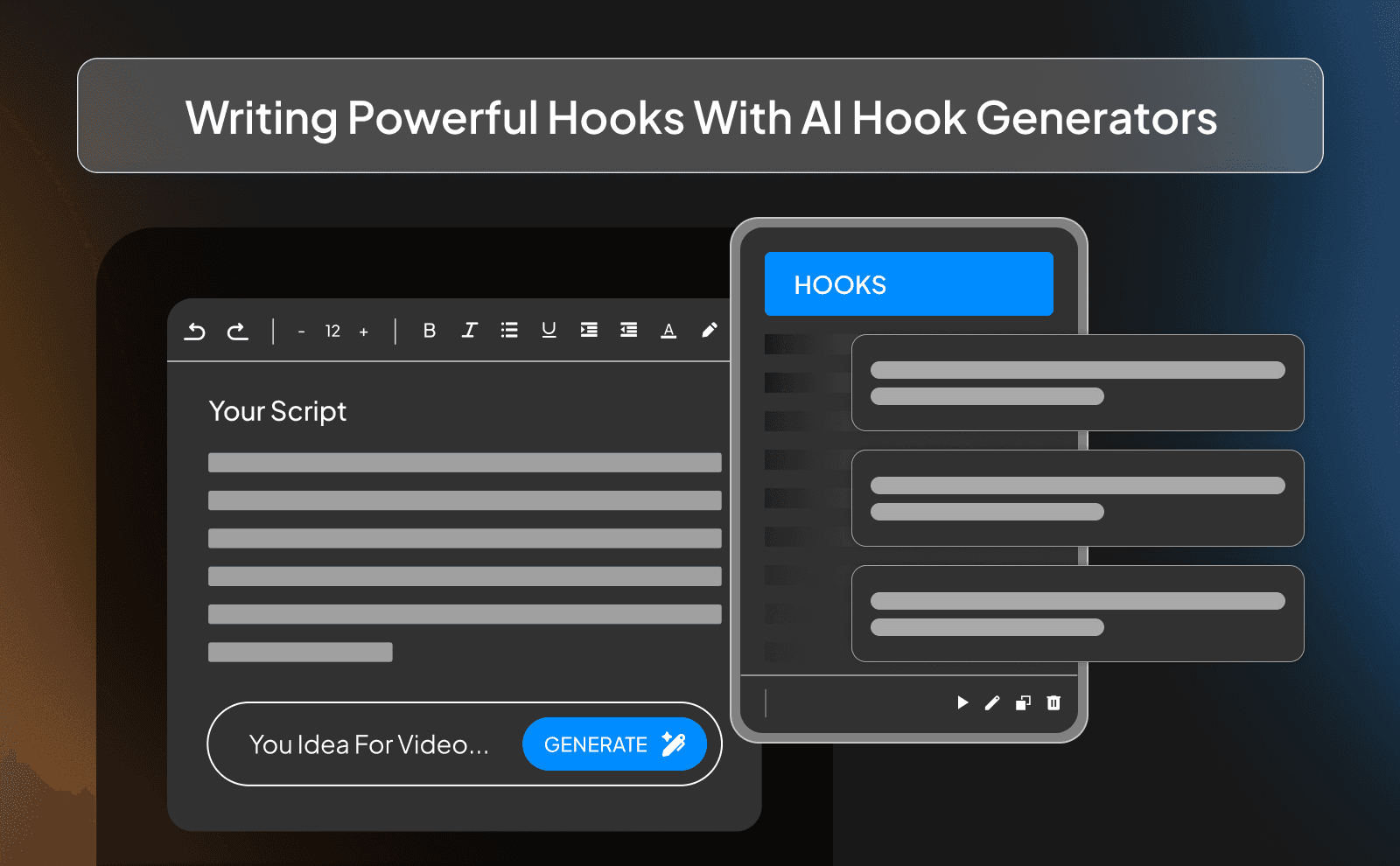
AI tools can be very useful when you’re trying to come up with strong hook ideas. By giving the AI your video topic and audience, you can quickly generate several possible openings that grab attention in different ways. Some hooks might start with a surprising fact, while others might begin with a question or a bold statement. Having multiple hook options allows you to compare them and choose the one that feels the most interesting.
Testing And Refining Your Video Hooks
Even a good hook can often be improved with small adjustments. Sometimes changing just a few words can make the opening sound more exciting or easier to understand. This is why testing different hook variations can be very helpful when writing scripts. AI makes this process faster because you can quickly generate alternative versions of the same hook.
Best Practices For AI YouTube Script Writing

Adding Your Personal Voice To AI Scripts
One common problem with AI generated scripts is that they can sometimes sound a little generic. Since the AI doesn’t know your personality or experiences, the text might feel less personal at first.
This is why editing the script is such an important step. You can improve the script by adding your own opinions, examples, or stories. Even small changes like adjusting the wording or adding humor can make the script sound much more natural.
Structuring Scripts For Better Viewer Retention
Good scripts keep viewers interested from beginning to end. One way to do this is by breaking the script into clear sections that move the video forward step by step. This makes it easier for viewers to follow along and stay engaged throughout the video.
AI can help by creating outlines that naturally guide the flow of the script. Each section builds on the previous one and leads into the next idea.
Including CTAs And Engagement Elements
CTAs are small moments in the video where you encourage viewers to take an action. This might include asking them to like the video, leave a comment, or subscribe to the channel.
AI can help suggest natural places to include these elements in the script. Instead of randomly asking for engagement, the script can place these moments where they feel more natural. For example, after sharing a useful tip or interesting point, it can be a good moment to ask viewers to interact with the video by commenting or any other action.
Avoiding Common AI Script Mistakes
One common mistake when using AI for scriptwriting is accepting the first draft without reviewing it. While the AI can generate a good starting point, it may include repeated phrases, unnecessary filler, or sections that feel slightly off topic. Another mistake is making the script too long or too complicated. Sometimes AI tools try to include too much information, which can slow down the pacing of the video.
How To Edit And Improve AI Generated YouTube Scripts?
Reading Your Script Out Loud
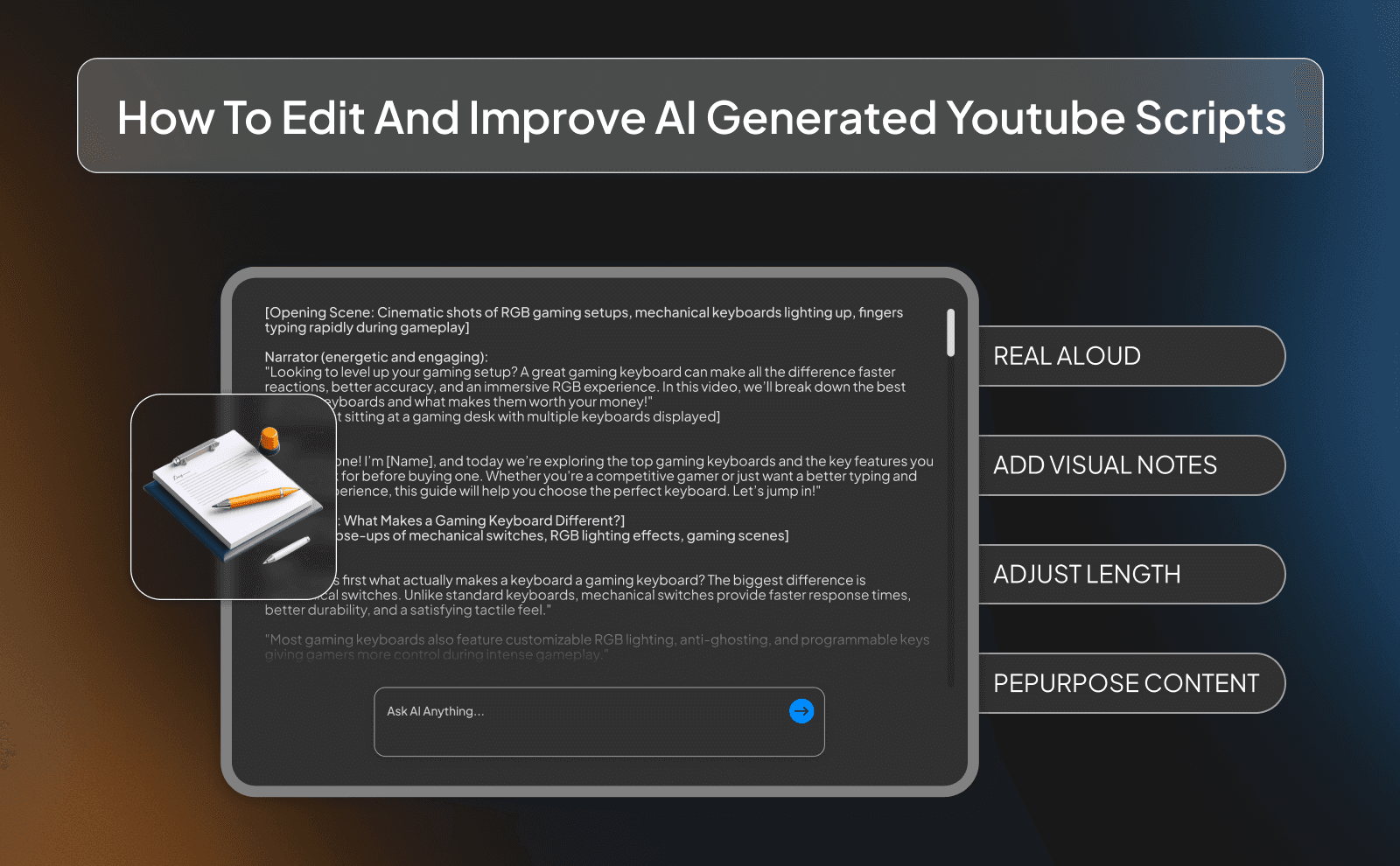
One simple way to improve a script is by reading it out loud. Sometimes a sentence might look fine when you read it silently, but it can sound awkward when spoken. Reading the script out loud helps you quickly notice these small issues.
Adding Visual Cues And B-roll Notes
A YouTube script doesn’t only include the spoken words. It can also include small notes that remind you where visuals, clips, or graphics should appear in the video. These notes help make the editing process easier later on.
Optimizing Script Length For Your Video
Another important step is making sure the script length matches the type of video you’re creating. If the script is too long, the video might feel slow and viewers could lose interest. If it’s too short, the video might feel rushed or incomplete.
AI tools can generate scripts quickly, but it’s still important to adjust the length so it fits your target video duration. This might mean trimming unnecessary sections or expanding areas that need more explanation.
Repurposing Your YouTube Scripts For Other Platforms
Once you’ve written a good YouTube script, it can often be reused for other platforms as well. Many creators turn parts of their long videos into shorter clips for platforms like Instagram, TikTok, or YouTube Shorts. This allows the same content to reach different audiences without starting from scratch.
AI tools make this process even easier by helping you shorten or adapt the script for different formats. A long section of a YouTube video can quickly be turned into a short script for a reel or a quick social media post. By repurposing your scripts like this, you can get much more value out of every piece of content you create.
Conclusion
AI script generators have made the process of creating YouTube content much faster and easier. Instead of spending hours trying to write the perfect script from scratch, you can use AI to generate ideas, outlines, hooks, and full drafts in just minutes. The key is to treat AI as a tool that helps you get started while you refine and personalize the final script. When used the right way, AI can save time, help you stay consistent with uploads, and make the whole content creation process much smoother.
Frequently Asked Questions
How Can I Write A YouTube Script With AI For Free?
You can use free AI tools like ChatGPT or other free script generators by entering a clear prompt that explains your topic, audience, and video structure.
What Is The Best AI For YouTube Script Generators?
The best AI tools are ones that create scripts quickly and give you flexibility to edit and customize the results for your videos.
How Long Should A YouTube Video Script Be?
A common rule is about 120/150 words per minute of video, so a 10-minute video script is usually around 1,200 1,500 words.
Can AI Write Engaging YouTube Video Scripts That Sound Natural?
Yes, but the best results usually come when you edit the AI draft and add your own voice, examples, and personality.
How Do I Create A ChatGPT YouTube Script Prompt Template?
Create a prompt that includes your topic, target audience, tone, video length, and outline so the AI clearly understands what kind of script you want.
Does Using AI For Scriptwriting Affect Video Performance?
AI itself doesn’t affect performance, but well written scripts can help improve viewer retention and overall video quality.
Can I Use AI Script Writing For YouTube Shorts?
Yes, AI can quickly generate short scripts that work well for short-form content.
How Do I Make AI Generated Scripts Sound More Like Me?
Edit the script by simplifying sentences, adding your own opinions or stories, and tweaking the wording to match how you normally speak.
Write YouTube script with AI faster save hours create engaging videos stay consistent and grow your channel effortlessly in 2026.