Noah Morris
Co-Founder
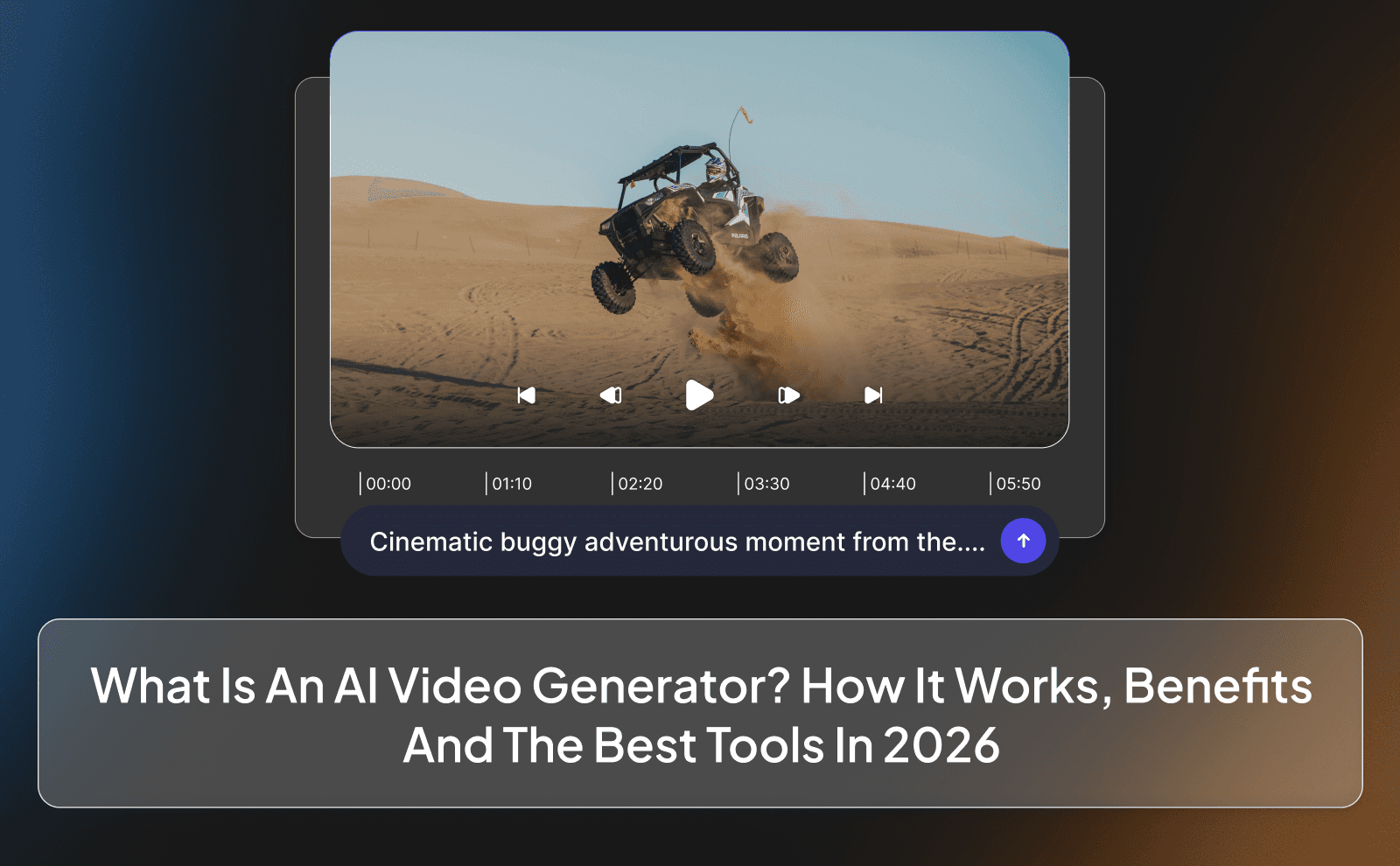
What is AI Video Generation? How It Works, Benefits & The Best Tools In 2026
Creating videos the traditional way sounds good on paper, but in reality it’s frustrating. Production teams are expensive, replies are slow, deadlines keep slipping, and consistency is almost impossible to maintain. One editor disappears for days, another suddenly wants higher pay, and sometimes they just straight up ghost you. Even when the work is good, one delay can throw off your entire content schedule and kill momentum.
That’s why more creators and businesses are switching to AI Video Generation. Instead of relying on people and waiting on deliverables, you can generate videos faster, cheaper, and on your own terms. AI doesn’t get tired, doesn’t miss deadlines, and doesn’t change prices mid-project. It lets you produce more content consistently, test multiple ideas, and scale content faster.
What Is An AI Video Generator?
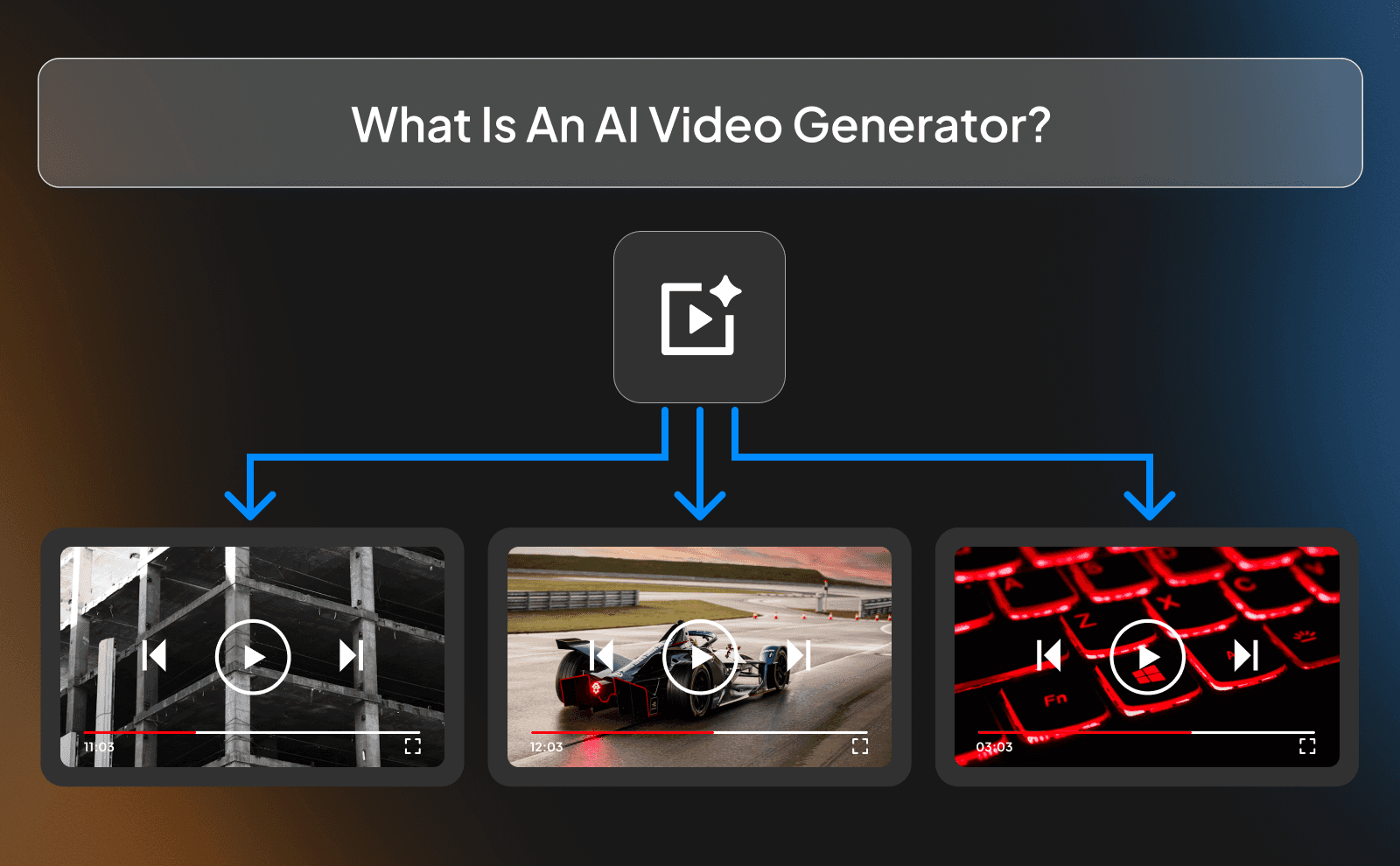
An AI video generator is software that turns ideas into videos without needing a camera, actors, lights, or editing skills. You give it text, images, or data, and it uses machine learning models to automatically create visuals, animations, voiceovers, and sometimes even realistic human avatars. In other words, it replaces hours of manual work with a few clicks and a decent prompt. It’s not “magic,” but it’s close enough to beat a basic production team.
Behind the scenes, these tools are trained on massive datasets of video, audio, and images, which lets them predict what a video should look and sound like. That’s why you can type something like “make a 10min documentary video” and get results similar to some big channels. AI video generators exist so you can pump out content fast, consistently, and cheaply, especially if you’re aiming for a lot of volume.
Types of AI Video Generators
The most common type right now is the text to video generator. You write a script, and the AI automatically picks visuals, adds a voice, and puts everything together, which is the case with VidRush. Then you’ve got AI avatar tools, which use digital people to read your script with an AI voiceover. Most of them use artificial avatars, but now there are tools that allow you to use your own face, which makes the AI avatar even more realistic to the point that people will hardly notice the difference.
There are also tools that turn images into videos, adding movement, effects, and transitions to stuff that would otherwise be boring. And then there are the more advanced 3D animation generators that create clean 3D motion graphics and Broll from scratch based on a prompt. These can be hit or miss, but when they hit, they’re crazy impressive.
How AI Video Generation Differs From Traditional Video Production?
When it comes to faceless videos, traditional production is still a grind. Even without filming people, you’re dealing with scriptwriters, editors, motion designers, and voiceover artists. One video can take days just to finish, and that’s assuming nothing goes wrong. One late delivery, one missing asset, one revision request, and suddenly your entire upload schedule is ruined.
AI video generation completely changes that workflow. Instead of relying on multiple people and tools, most of the process is handled in one place. Scripts turn into visuals, voiceovers, and edits almost instantly. If you need to make a change, you don’t have to message three different freelancers and wait another two days. You just tweak the text and regenerate the video. This is especially helpful for content farms, who can’t afford to have a delay or late delivery
How Are AI Videos Made? The Technology Behind AI Video Generation
At a high level, AI videos are made by breaking your idea into pieces and letting different systems handle each part. You start with text, a script, a prompt, or even just bullet points. The AI reads it, understands what the video is supposed to be about, and then decides how to turn that idea into visuals, movement, and sound.
What makes this powerful is that everything happens automatically and in sync. The visuals match the script, the pacing makes sense, and the voiceover lines up with what’s on screen. There’s no back-and-forth between freelancers, no waiting on revisions, and no human bottlenecks.
Natural Language Processing (NLP) And Text Interpretation
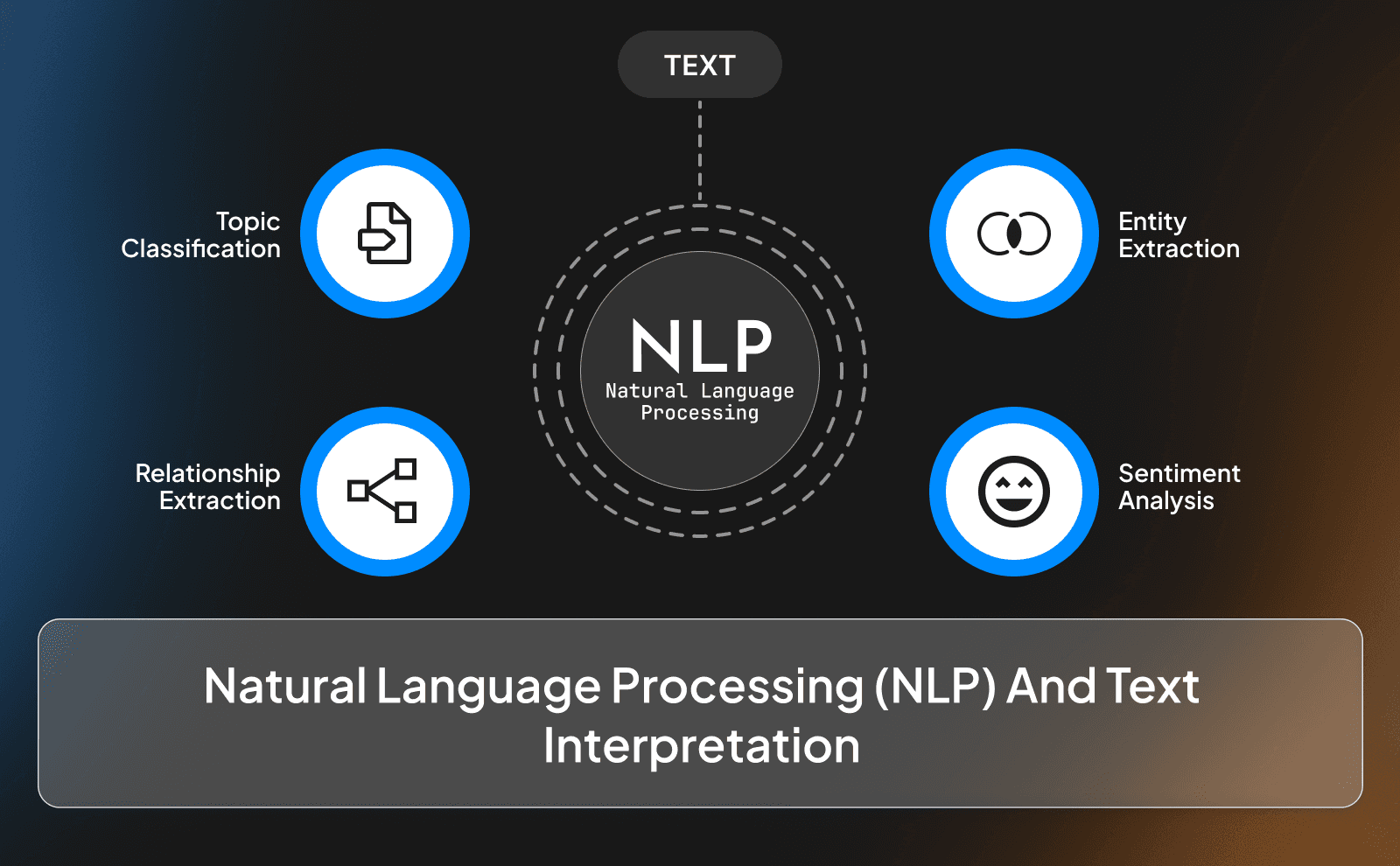
Everything starts with NLP, which is how the AI understands what you write. The AI looks at your script and understands what’s important, what should be emphasized, and how the information flows from one idea to the next.
This is why good prompts matter. Clear writing leads to better videos because the AI can make smarter decisions about visuals, pacing, and emphasis. If the script is not clear, the video usually is too. NLP is basically the translator that turns human language into instructions the rest of the system can actually use as simple as that sounds like.
Generative AI Models And Visual Creation
Once the script is understood, generative models handle the visuals. This is where the AI decides what appears on screen: backgrounds, animations, transitions, stock-style footage, or fully generated scenes. Instead of random clips, the system chooses visuals that match the meaning of each line.
The key thing here is speed. What used to require searching through stock libraries, google, editing timelines, and adding motion manually now happens instantly. The AI generates visuals that fit the script automatically, and if something doesn’t feel right, you regenerate instead of rebuilding from scratch.
Text To Speech And Voice Synthesis Technology
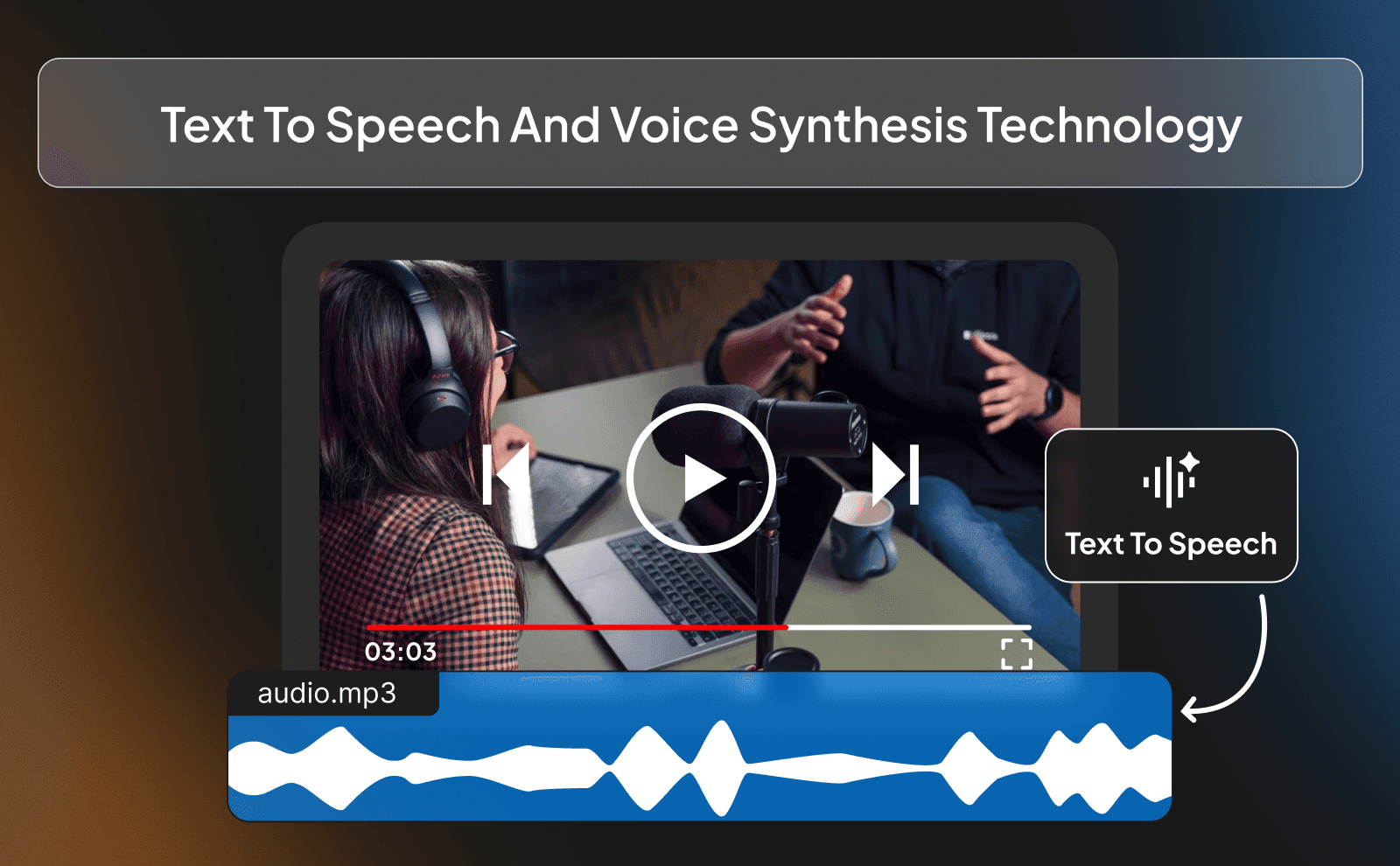
Voiceovers are handled by text-to-speech systems that turn your script into natural-sounding audio. These aren’t the robotic voices people remember from years ago. Modern AI voices are now trained for better pacing, tone, and accent, which makes them sound surprisingly human.
This removes another major bottleneck. You don’t need to hire voice actors, wait for recordings, or request revisions. If you want a different tone, speed, or style, you just change the settings or tweak the text. The voice updates instantly, staying perfectly synced with the video every time.
The Complete AI Video Generation Process
Put it all together, and the process is simple. You or AI writes a script. The AI understands it, creates visuals matching the script, generates a voiceover for it, syncs everything, and exports a finished video. What used to involve multiple tools, people, and steps now happens in one continuous flow. And that is the exact process VidRush uses.
That’s why AI video generation works so well for faceless content. It removes delays, reduces friction, and lets creators focus on other far more important areas than creating content. Instead of managing a whole production team, you’re just dealing with one machine that never gets tired and never misses a deadline.
How To Generate AI Videos: Step By Step Guide
Generating an AI video is straightforward, but the quality depends on how you approach each step. You’re not gonna just click a button and wait for AI to do its job. The better your inputs, the better the output. Think of it less like “automation” and more like being a manager.
So the process usually follows the same pattern no matter the platform: choose how you want to start, define the look, generate the video, then clean it up before publishing.
Choosing Your Input Method (Text, Images, or Prompts)

Most AI videos start with text. This can be a full script, bullet points, or even a rough idea written in plain language. Text-based inputs give you the most control because the AI knows exactly what message you’re trying to deliver. If clarity matters, text is usually the best option.
Some tools also let you start with images or loose prompts. This works well when you already have visuals or you’re aiming for something more creative. Though the more vague the input, the more decisions the AI makes for you. So make sure that you cover everything and guide it on all areas.
Selecting Style And Brand Elements
This is where you decide how the video should look like. Fonts, colors, pacing, transitions, and overall branding all fall into this step. Many tools let you save brand presets so every video looks consistent without redoing everything from scratch.
Consistency matters more than people think. Faceless channels grow faster when viewers instantly recognize the style. AI makes this easy because once your brand settings are locked in, every new video could be generated the same way.
Generating And Previewing Your Video
Once everything is set, you generate the video. This is where the AI puts all the pieces together: visuals, voiceover, captions, and sound design. Within minutes, you get a complete preview that you could tweak.
Previewing is very important here, because it can help you identify the mistakes and changes…Does the pacing feel right? Do the visuals match the script and voiceover? If something feels off, you don’t fix it manually, but you regenerate with small adjustments. That feedback loop is what makes AI video creation so time efficient.
Editing And Refining AI Generated Videos
Even good AI outputs usually need light editing. This might mean trimming scenes, swapping visuals, adjusting the voice speed, or tightening the script. The difference is that you’re refining, not rebuilding, which equals less time and effort.
Because everything is generated from the same source, edits stay clean and consistent. You’re not using multiple timelines or layered files. Small changes go a long way, and most refinements take a couple minutes, which is exactly why AI works so well for high-volume faceless content.
Publishing And Distribution
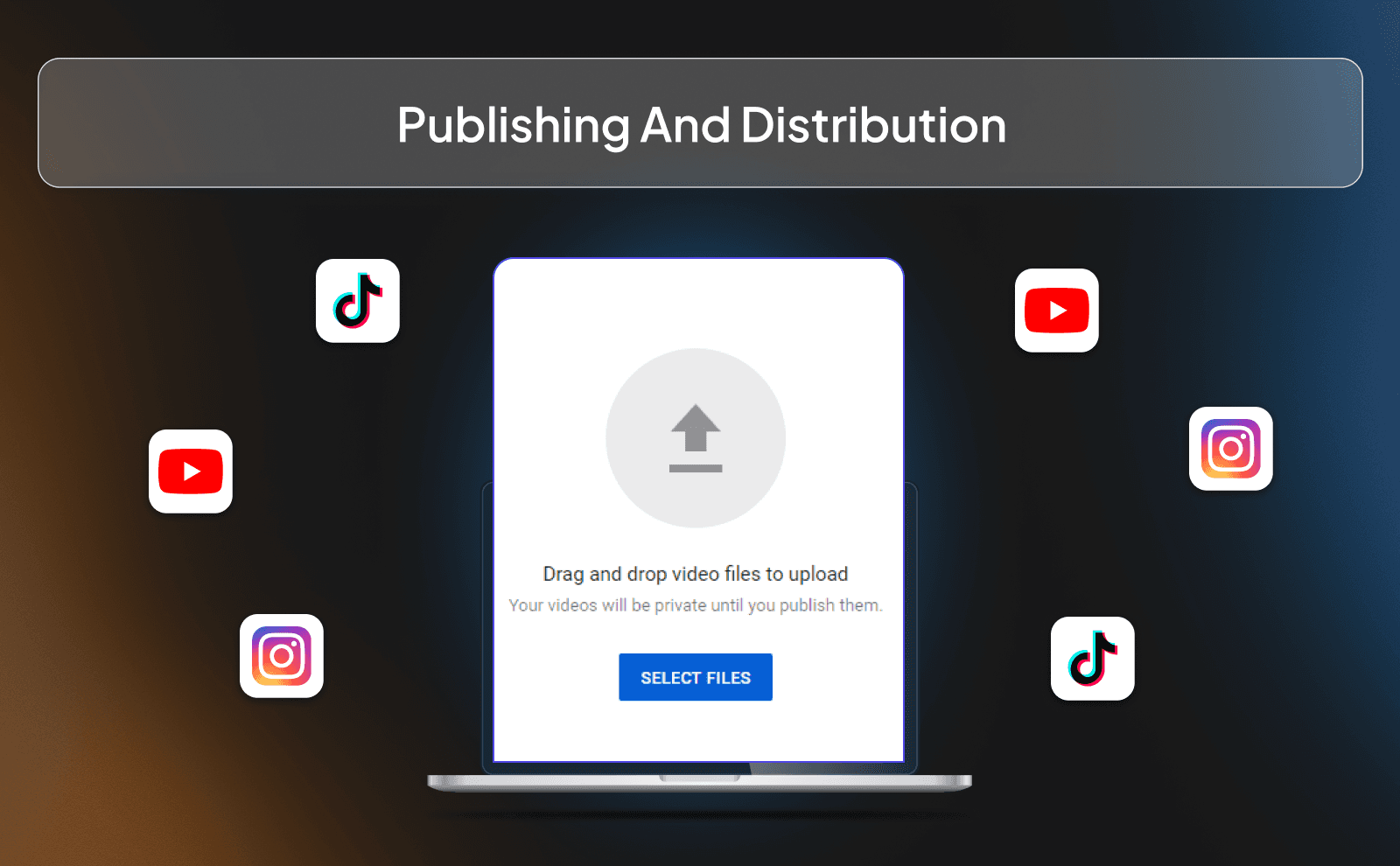
Once the video is done, exporting and publishing is the easy part. Most platforms optimize formats for YouTube, TikTok, Instagram, or even ads. That means less time worrying about specs and more time focusing on reach.
The real advantage shows up at scale. When publishing becomes this frictionless, you can test more ideas, post more often, and improve faster based on performance.
Why Is VidRush The Best Tool For AI video Generation?
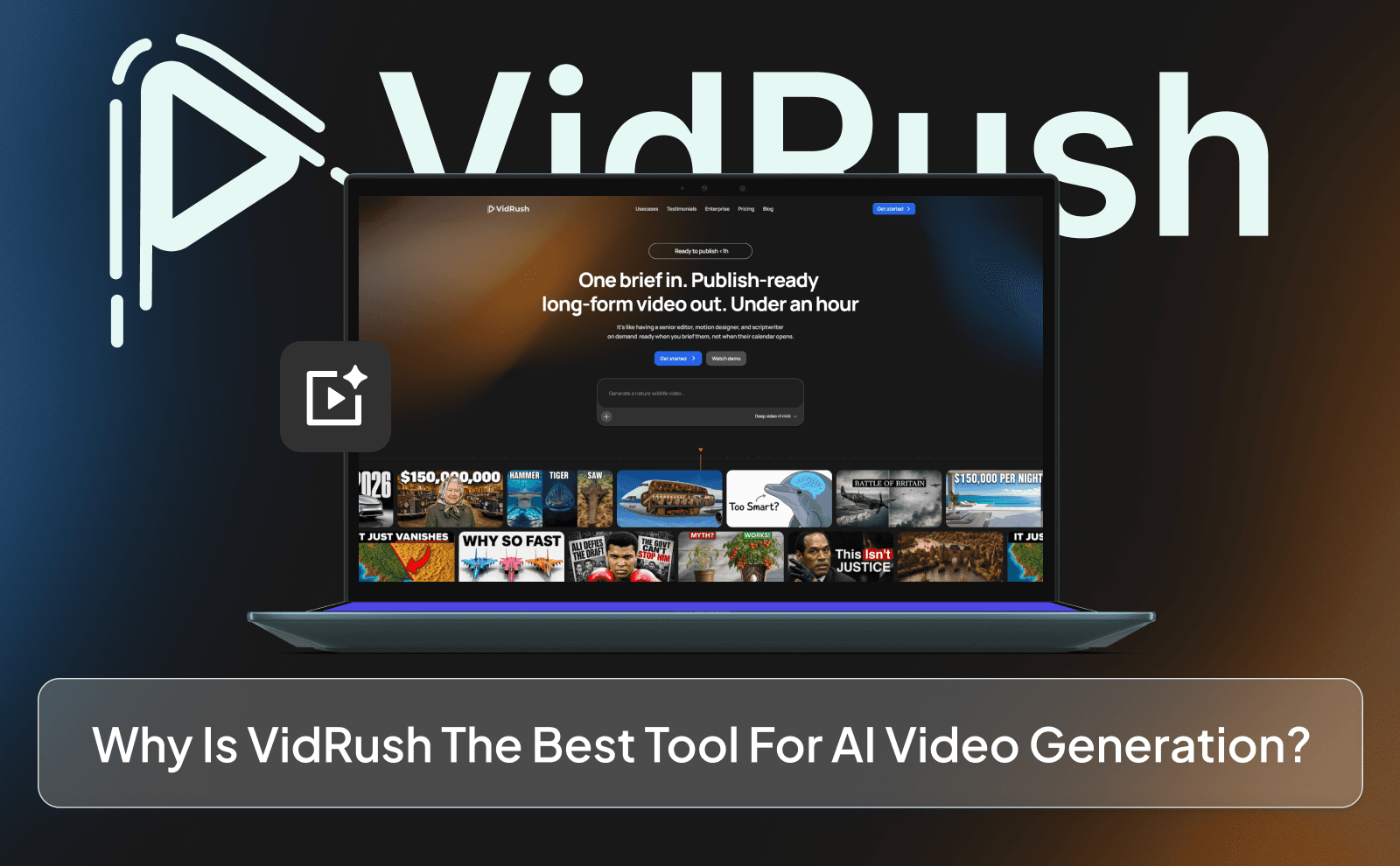
VidRush is the first and number one AI production team that combines everything into one place. You can start with a simple prompt explaining what your video is about and what information needs to be covered, and VidRush handles the rest. It can write the script for you using AI, break that script into scenes, generate visuals, add motion effects, and create voiceovers and captions automatically. On top of that, you can choose a background music track to match the mood, and the platform syncs it cleanly with the voice without you touching a single keyframe.
What really separates VidRush from most AI video tools is that it still gives you full control when you want it. You can use the timeline just like a traditional editor such as Capcut or Premiere Pro, which means you’re not stuck with whatever the AI gives you. If you prefer your own voice or already have a custom script, you can plug those in instead of relying on AI writing or narration. And to top it off, VidRush can generate AI thumbnails alongside your video. So all of this done with one AI tool in the span of minutes, you can imagine how much time it could save you compared to a normal production team.
Key Benefits of Using An AI Video Generator
AI video generators aren’t popular because they’re “cool tech.” They’re popular because they remove friction. Instead of using a lot of tools, people, and multiple salaries, you get a faster way to create videos.
The biggest advantage is leverage. One person can now do the work that used to require a small team.
Speed And Time Efficiency
Speed is the obvious win. What used to take days, scripting, visuals, voiceovers, edits, can now happen in minutes. You’re no longer waiting on assets or revisions. You make a change, regenerate, and move on.
That speed compounds. When you can create videos quickly, you test more ideas, post more often, and learn faster from what works. Over time, that feedback loop becomes a massive advantage.
Cost-Effectiveness And Resource Savings
Traditional faceless video production still isn’t cheap. Editors, voiceovers, motion graphics, writers, it all adds up. AI video generators put those costs into one tool.
Instead of paying per video or per revision, you pay once and produce as much as you want. For creators and businesses with a tight budget, that difference alone can decide whether a content strategy is valid or not.
Scalability And Content Volume
Scaling content manually is painful. More videos usually mean more people, more coordination, and more chances for delays. AI removes most of that friction.
Once your workflow is set, producing 5 videos or 50 videos doesn’t feel much different. That’s why AI works so well for faceless channels, ad testing, and platforms where consistency matters more than perfection.
Accessibility For Non Technical Users
You don’t need editing experience to use AI video tools. No timelines, no keyframes, no complicated exports if you don’t want them.
Most platforms are built so anyone can start with plain text and still get a usable result. That lowers the barrier to entry and lets people focus on ideas instead of software.
Common Types of AI Generated Video Content
Text To Video Generators
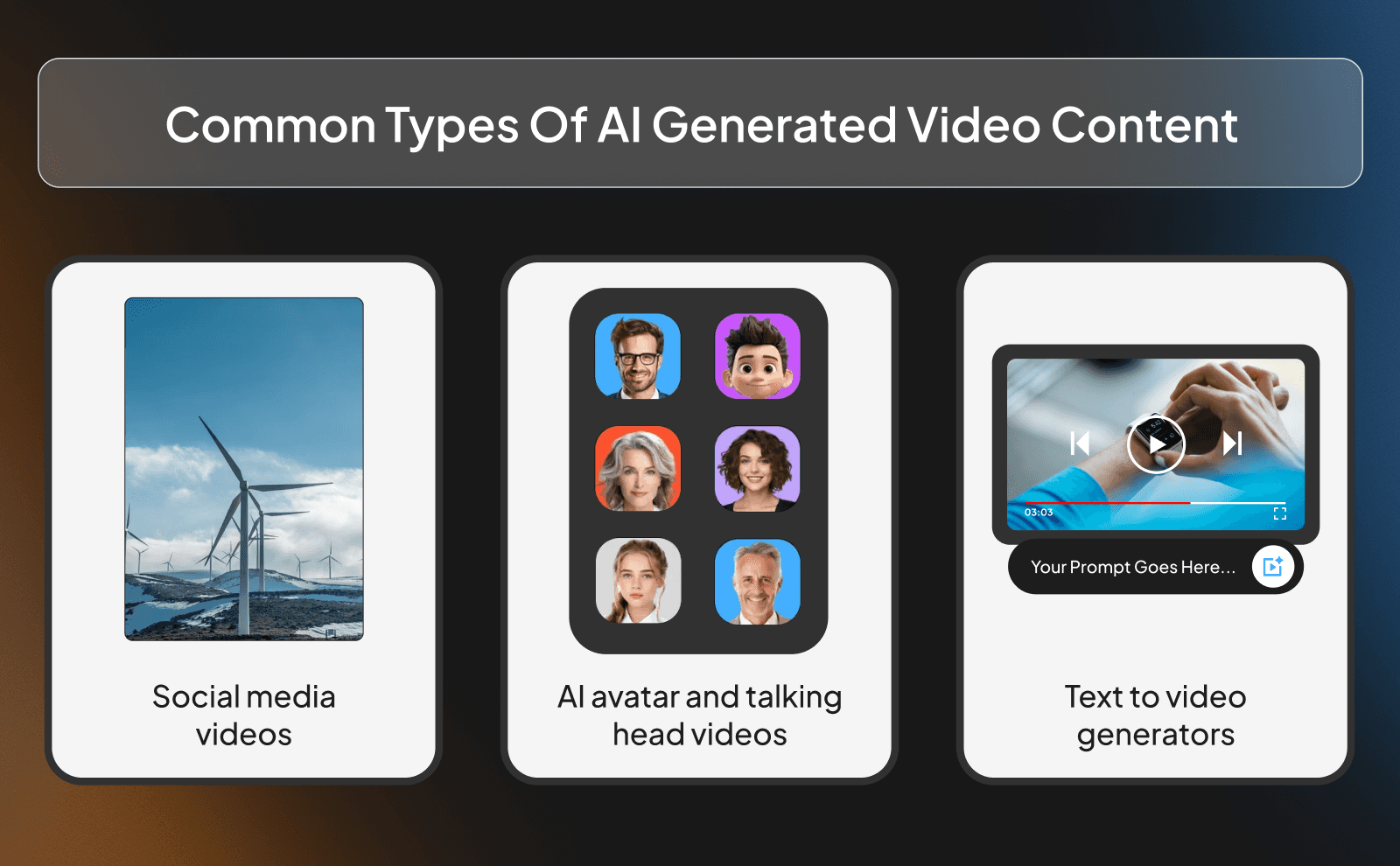
Text-to-video tools turn your scripts or prompts into videos automatically. They handle visuals, voiceovers, captions, and even sound design. These are ideal for explainers, educational content, and faceless videos where not a lot of flashy edits are required.
Image To Video Generators
Image-to-video tools take normal images and can turn them into animated moving content. They add motion, transitions, and effects to bring visuals to life. They’re commonly used for slideshows, product showcases, and even making faceless AI animated stories and movies.
AI Avatar And Talking Head Videos
These tools use AI-generated humans to read scripts on screen. They’re often used for presentations, internal training, or corporate-style content. While not always ideal for faceless social media, there are still channels that are using AI avatars as a normal faceless channel and it works.
Social Media Video Generators
These tools are designed around short attention spans, vertical formats, and captions people can actually read on their phones. Instead of worrying about timelines, sizing, or pacing, the tool handles that automatically so the video feels native to platforms like TikTok, Reels, and Shorts.
How Do People Make AI Videos? Popular Use Cases And Applications
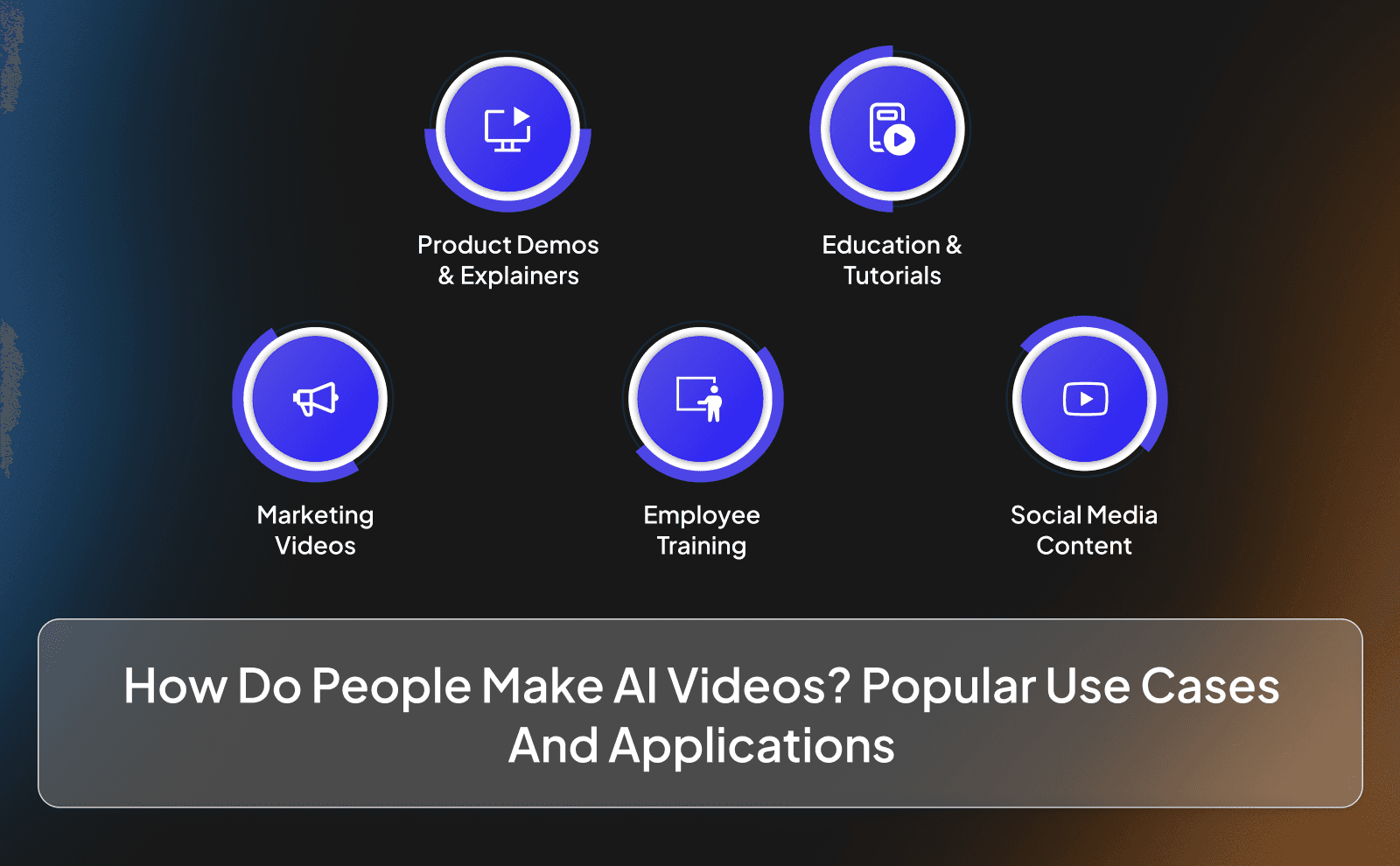
Marketing And Advertising Videos
Marketers use AI videos to test ideas quickly. Instead of spending weeks on one ad, they create multiple versions, change the hook or message, and see what performs best. If something doesn’t work, they scrap it and move on without feeling like they wasted money. That’s the beauty of using AI, you can test out different concepts without losing a lot of money and time, something we weren’t able to do with normal human beings.
Employee Training And Onboarding
AI videos are a simple way to explain processes and train new employees. You can create clear, step-by-step videos and update them whenever things change. Instead of re-recording everything, you just tweak the script and regenerate the video. That alone saves a ton of time for growing teams.
Social Media Content Creation
For creators, AI videos make it easier to stay consistent. You don’t need to sit down and edit for hours every day just to keep up with posting. Faceless channels benefit the most here. You can focus on ideas, hooks, and storytelling while the tool handles the visuals, voice, and formatting in the background.
Educational Videos And Tutorials
AI works really well for educational content since it doesn’t require a lot of flashy edits and animations to entertain someone. This is especially useful for finance, self improvement channels, and any channel that sells products or services.
Product Demonstrations And Explainers
Right now, there are products that can literally create for you a whole product presentation using just the image of that product. And it turns out to be almost as good as ads that companies spent hundreds of thousands of dollars making.
Challenges And Limitations of AI Video Generation
Even though AI video tools are advanced, they’re not perfect. They work best when you understand what they’re good at, and where they fall short.
Quality And Realism Concerns
AI videos can sometimes feel a bit generic and not realistic. The visuals might look familiar, and the pacing might feel slightly off compared to normal human edited videos. That’s why human made scripts and small edits still matter as of now. AI handles the heavy lifting, but human tweaks make the final difference.
The Uncanny Valley Effect
Sometimes AI voices or visuals feel almost human, but not quite. Most viewers won’t care, but some will notice. This is getting better fast, especially with newer voice models, but it’s still something to keep in mind depending on your audience.
Copyright And Licensing Considerations
Not every AI asset is free to use everywhere. Music, voices, and visuals can come with different usage rights depending on the platform. If you’re creating content for business or ads, it’s always smart to double-check what you’re allowed to use.
When To Use AI vs Traditional Video Production
AI is best when you need speed, volume, and consistency. Traditional production makes more sense when you need something higher quality and better in terms of small details. The smartest approach isn’t choosing one or the other. It's using AI to scale and traditional production when quality truly is needed. So in terms of quality, the human hand still beats AI. but AI plus the human hand can beat the human hand alone.
Conclusion
AI video generation has completely changed how videos are made, especially for faceless content. What used to take days, multiple tools, and entire teams can now be done by one person in a fraction of the time. It removes friction, cuts costs, and makes consistency achievable instead of exhausting.
That said, AI isn’t gonna be used to replace teams, but rather to cut time and costs, and help you grow faster with a lot of volume. And it’s safe to say, you won’t survive in today’s economy if you don’t integrate AI tools in your workflows.
Frequently Asked Questions
What Is An AI Video Generator And How Does It Work?
An AI video generator is a tool that turns text, prompts, or images into videos automatically. It understands your input, creates visuals, adds a voiceover, syncs everything together, and outputs a finished video.
How Long Does It Take To Generate AI Videos?
Most AI videos take anywhere from a few minutes to under an hour, depending on the length and complexity.
Can I Use AI Generated Video For Commercial Purposes?
Yes, most AI video platforms allow commercial use. But just make sure to always double check for extra safety.
What Makes A Good Prompt For AI Video Generation?
A good prompt is clear and specific. Explain what the video is about, what points need to be covered, and the style you want.
Do I Need Technical Skills To Create AI Generated Videos?
No. Most AI video tools are built for non-technical users
How Much Does An AI Video Generator Cost?
Costs vary depending on the platform, and some tools could even offer free trials like VidRush.
Can AI Video Generators Create Videos In Multiple Languages?
Yes. Many AI video generators support multiple languages and accents.
What Are The Limitations of AI Video Generation?
AI videos can sometimes feel generic, and they’re not ideal for highly edited or cinematic storytelling.