
Noah Morris
Co-Founder

7 Types Of YouTube Videos You Can Create With AI In 2026
Uploading YouTube videos consistently is tough. If you rely on freelancers, it’s easy to run into problems. They can ghost you, ask for more money, or deliver late. One delay throws off your whole schedule, and suddenly staying consistent with your Faceless YouTube channel feels impossible.
That’s where AI comes in. Unlike freelancers, AI never sleeps, never asks for a raise, and never delivers late. It works as long as you need it, helping you pump out a lot of content faster. With the right tools, you can finally scale your content and focus on ideas, not logistics, which is why right now you see so many YouTube videos blowing up you can create with AI.
What Are AI Generated YouTube Videos?
AI-generated YouTube videos are videos made fully or partially with AI software and not a camera. Instead of picking up a camera, you can type an idea and let AI generate scripts, visuals, voiceovers, and even editing. This is the core of YouTube videos you can create with AI, and it’s why so many people are jumping on AI right now.
These videos are usually faceless and focus on delivering information, stories, or entertainment. If you’re wondering what kind of YouTube videos can I make with AI, the answer is a lot more than you think. explainer content, storytelling, list-style videos, all these without showing your face.
How AI Transforms Video Creation For Content Creators
AI has completely changed how a lot of creators approach YouTube. What used to take hours or days, writing scripts, editing clips, adding voiceovers, can now be done in minutes. This is why AI for YouTube content creators has become such a big deal, especially for beginners who know nothing about it.
By helping you create YouTube content with AI, these tools remove technical barriers. You don’t need editing skills, expensive software, or a production team. You just focus on ideas, and the AI handles the rest of the heavy lifting behind the scenes.
Why AI Video Tools Are Changing YouTube Content Production
AI video Generation tools make content creation faster, cheaper, and way more consistent. You can upload more often without burning out or relying on other people. That’s a huge reason creators now use AI to make YouTube videos as part of their workflow.
These tools also unlock tons of AI video ideas for YouTube, especially for faceless channels. Instead of being limited by time or skills, creators can experiment more, scale faster, and build systems instead of struggling with manual work.
The Difference Between AI Assisted And Fully AI-Generated Videos
AI-assisted videos still involve some human input, like recording your own voice if you want, or manually editing parts of the video. AI just speeds things up and makes the process smoother.
Fully AI-generated videos on the other hand, are almost completely automated. The AI writes the script, does the research, generates visuals, adds a voiceover, and edits everything. But right now we reached a point where you find tools that are just like production teams and every task is done automatically using AI in a few minutes.
Why VidRush Is The Best Video Production Tool For Content Creators?
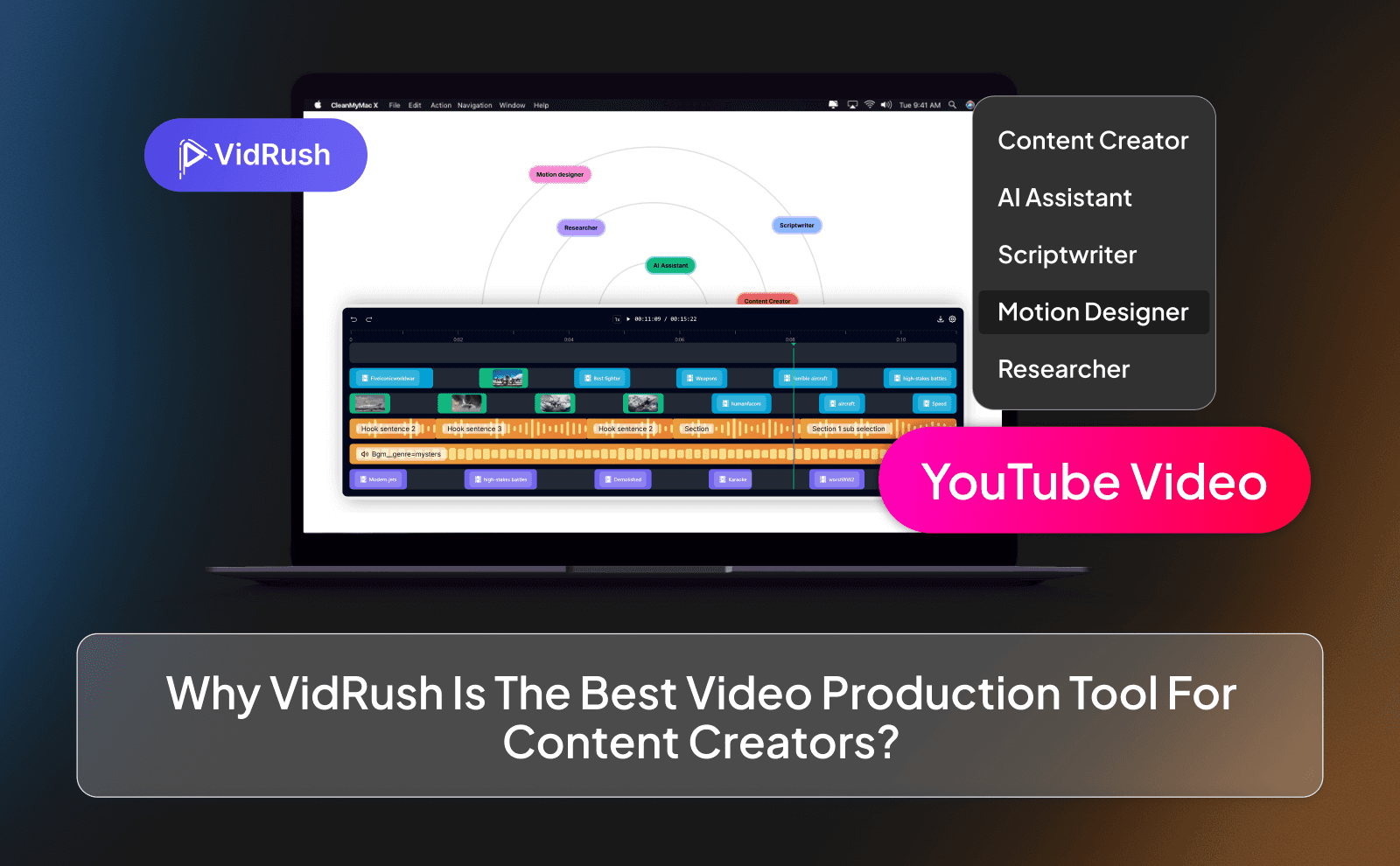
VidRush stands out because it turns a complicated process into something almost stupidly simple. You start with one prompt, just explain what your video is about and what points you want covered, and VidRush handles the rest. It builds the script, breaks it into scenes, generates visuals, adds motion, captions, music, and even voiceovers, all in the background. You don’t need to babysit the process or use multiple tools.
What really makes VidRush different is how much control you still have while using automation. The scripts aren’t generic or boring, since the tool is trained based on real data from successful automation channels. You can use the AI script, bring your own script, upload your own voice, or let the AI handle the voiceover and syncing. On the visual side, VidRush automatically matches scenes to your script, adds effects, and even creates thumbnails along with the video.
1- Educational And Tutorial Videos
Educational and tutorial videos are one of the easiest ways to start on YouTube, especially for beginners. With AI tools like VidRush, you don’t need to be an expert on camera to teach something useful. You can literally turn basic knowledge into videos that help people solve problems or learn new skills. This works great for topics like fitness, money, software, or self improvement.
Creating Step By Step Guide With AI Avatars
VidRush makes step-by-step guides simple by breaking your topic into clean sections automatically. You explain the idea once, and the AI turns it into a structured video with scenes that flow naturally. AI avatars and voiceovers help guide viewers visually and verbally, making the lesson easier to follow. This keeps people watching instead of getting confused or clicking away.
Using VidRush To Simplify Complex Topics For Viewers
Complex topics scare people when they’re explained badly. VidRush helps simplify things by turning long explanations into short, visual scenes. Instead of walls of text or boring lectures, viewers see visuals that match what’s being explained. This makes learning feel easier and therefore results in your videos to get more views and engagement.
2- Documentary-Style Videos
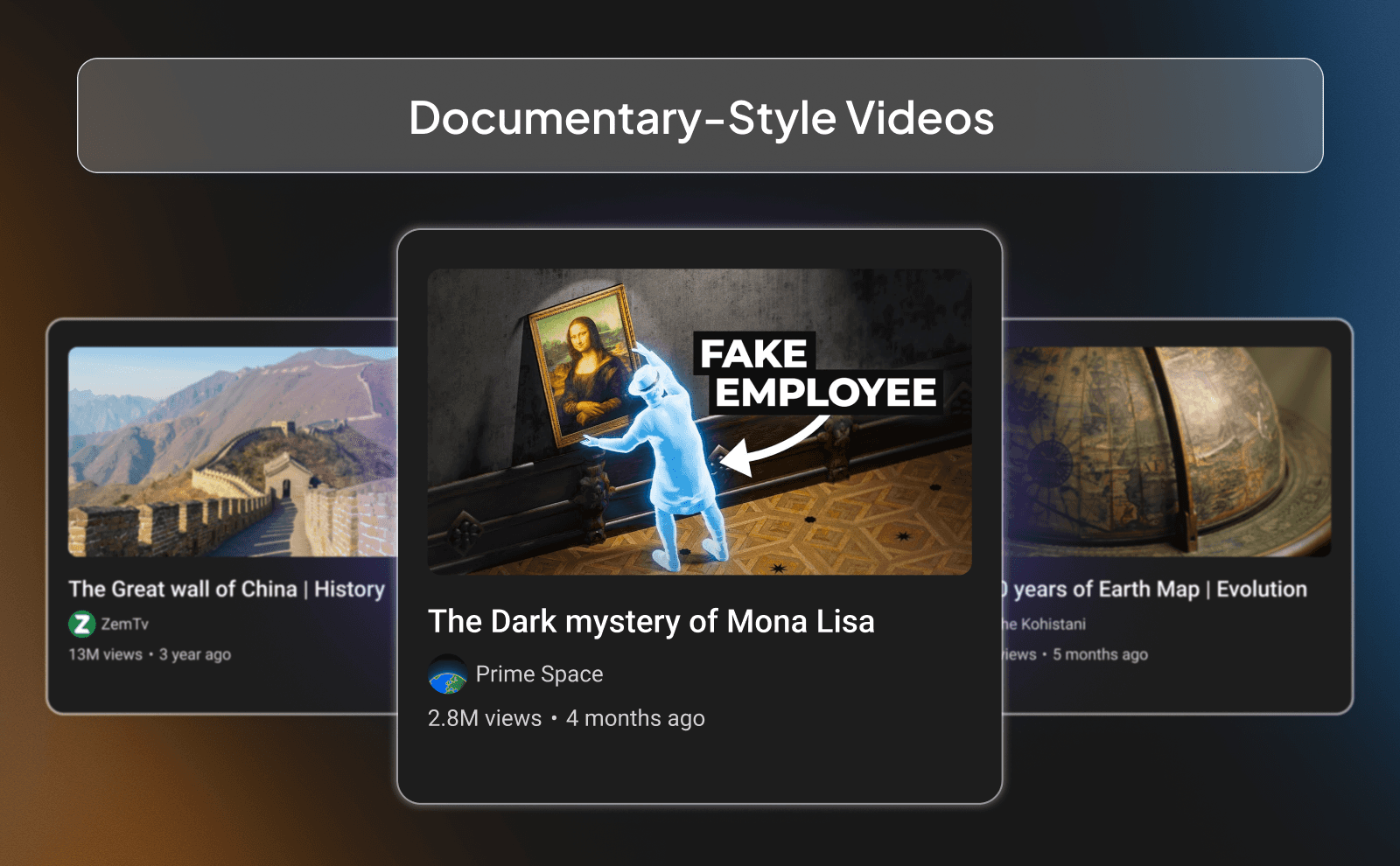
Documentary-style videos work because people love stories, facts, and deep explanations of something. You don’t need a big budget or real footage anymore to make them. With VidRush, you can create documentaries using AI visuals, voiceovers, and AI generated storytelling. This opens the door for anyone who wants to create high quality documentaries like big channels but doesn’t have the budget for it.
Creating Documentary Videos With VidRush
You can make a whole documentary video with just a single prompt or idea you send to VidRush. The AI helps organize the story, create scenes, and match visuals to each part of the script. Everything is put in a way that looks good and high quality, not rushed or boring.
Using VidRush To Narrate Historical And Educational Stories
History and educational stories work especially well with AI narration. VidRush generates voiceovers that sound realistic, perfect for documentary content. You can walk viewers through events, famous history moments, or ideas without needing real footage.
How VidRush Helps Pierce Together Documentary Narratives Without Filming
Editing and writing documentaries is expensive and time-consuming. VidRush replaces that by combining scripts, visuals, transitions, and music with one tool, in one place, just like a normal production team does. The AI connects each scene smoothly so the story flows naturally. You focus on the message, and VidRush handles the production side.
3- Explainer And How-To Videos
Explainer and how-to videos work because people come to YouTube for answers. They don’t care about fancy editing or seeing someone’s face, they just want things explained clearly. This makes it one of the easiest formats for beginners to start with. If your video helps someone understand something faster, it already has value.
Transforming Written Guides Into Video Tutorials
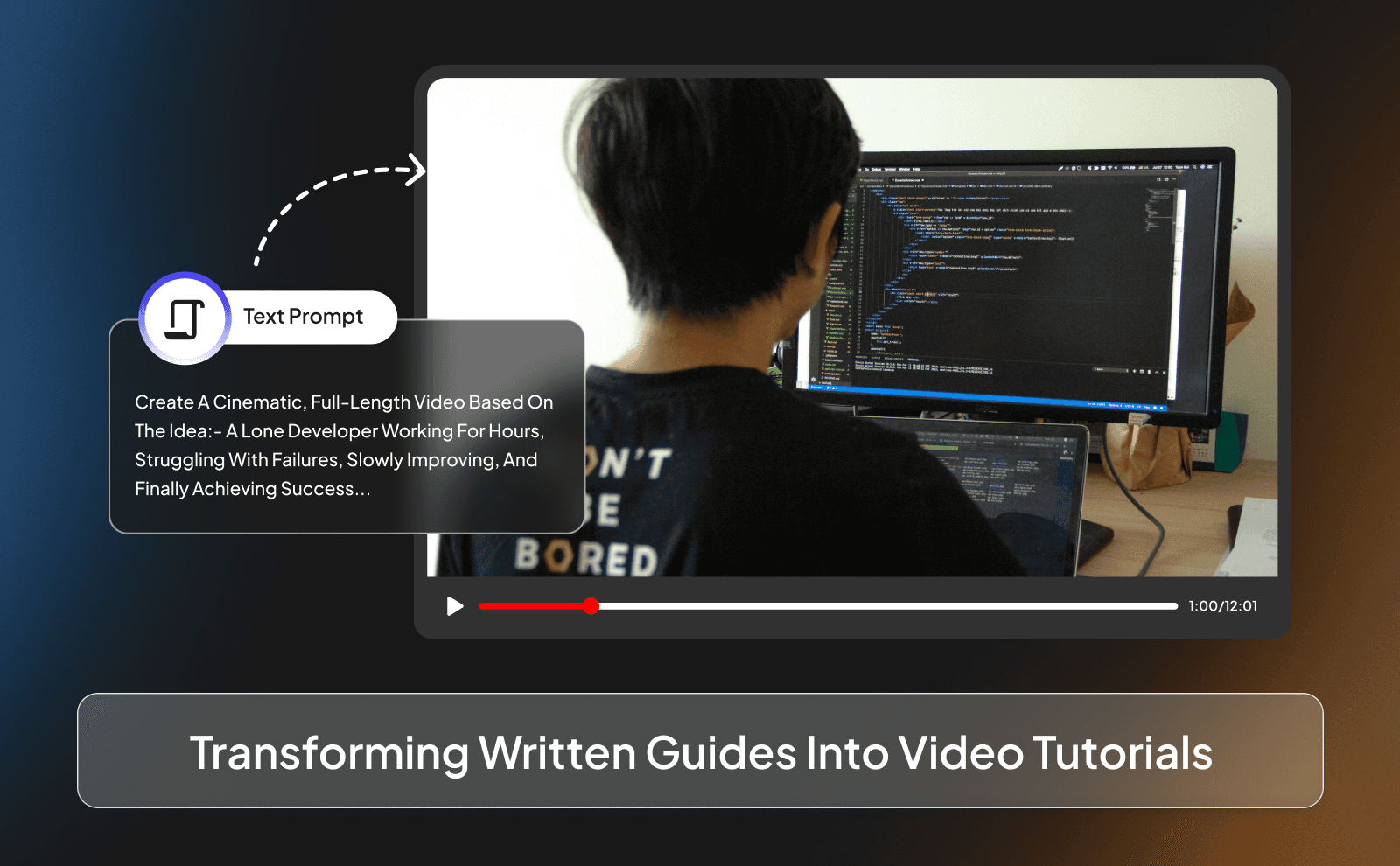
A lot of people already have written guides, notes, or ideas but don’t know how to turn them into videos. With VidRush, you can take that written content and turn it into a video without rewriting everything. The tool breaks it into parts and turns each one into a scene. This saves time and makes your content easier to consume.
Creating Professional Explainer Videos
Most beginner videos fail because they look boring and confusing. VidRush fixes that by keeping everything clean and organized. And it gives you the option to add your own personal human touch. The tool is trained based on huge datasets of quality viral content, and because of that the visuals would match what’s being said, and the video would look just like any other video a production team creates.
Using VidRush To Generate Visual And Demonstrations
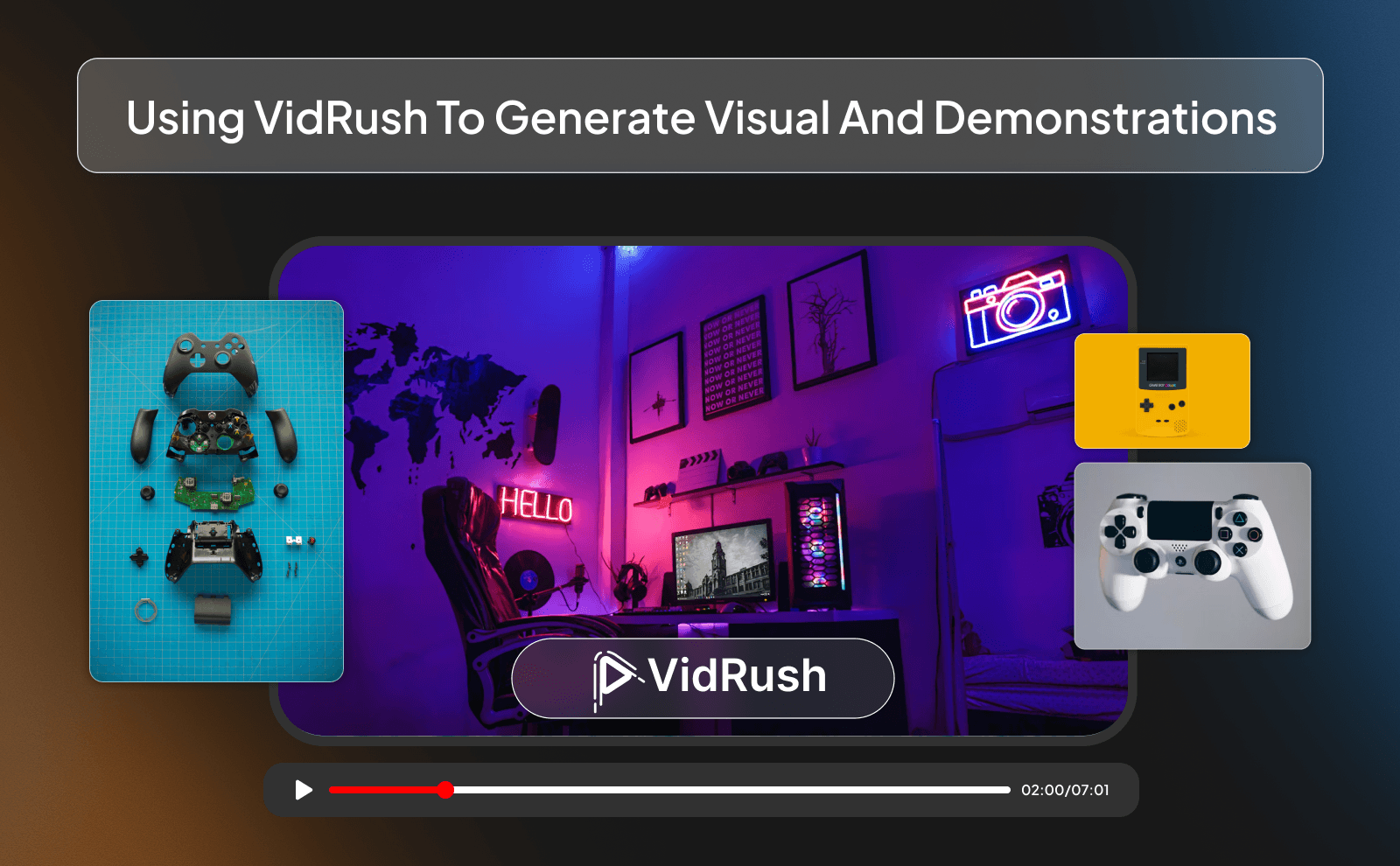
Instead of just talking and hoping people understand, VidRush shows what you’re explaining. It researches and adds visuals that match the script, which makes things click faster for viewers. And if it couldn’t find any matching visuals it makes its own AI generated visuals. This is something not even some editors can do right now, let alone the other parts of the process.
4- Marketing And Promotional Content
Marketing videos don’t have to be complicated or expensive. You don’t need actors, cameras, or a studio to promote something anymore. With VidRush, you can make simple videos that explain what your brand or product is about.
Building Brand Awareness With AI Generated Ads
VidRush helps you create short ads that get straight to the point. You explain what you’re offering, who it’s for, and why it matters. The AI handles the visuals and voice so you don’t overthink it. This makes your brand look clean and professional even if you’re just starting out.
Creating Social Media Promotional Videos
Short videos are everywhere now, and VidRush makes them easy to create. You can quickly turn one idea into multiple promo videos for different platforms. This helps you stay consistent without spending hours editing. Consistency is what actually builds attention.
5- Faceless YouTube Videos
Faceless YouTube videos are popular because they remove pressure. You don’t have to talk to a camera, worry about how you look, or feel awkward recording. The focus is fully on the content itself. That’s why if you’re a beginner, this is the perfect format to start with.
What Are Faceless YouTube Videos And Why Do They Work?
Faceless videos rely on voice, visuals, and storytelling instead of your own personality being on camera. People watch them for information, entertainment, or value. Since viewers don’t expect a face, it feels normal and easy to watch. This makes them scalable and less stressful to produce. And you aren’t required to be involved at all in the production of these faceless videos, not even with your own voice.
Types Of Faceless YouTube Videos You Can Make With AI
You can make explainers, documentaries, storytelling videos, list videos, or educational content. AI tools like VidRush make these formats simple to produce. You’re not limited by looks or camera skills. You’re only limited by ideas.
Using AI Avatars And Voiceovers For Faceless Content
If you still want a human feel, AI avatars and voiceovers help a lot. VidRush lets you choose voices that sound natural and calm. This makes people trust the channel without showing your face. It feels personal without being personal.
Creating Animated Explainers Without Showing Your Face
Animated explainers are great for teaching ideas clearly. On top of finding and putting Broll footage into your videos, VidRush also creates animations and scenes based on your script automatically and fills in the gaps with them. You don’t need animation skills at all at this point to make high quality animated videos. Just let AI do it.
6- News And Commentary Videos
For commentary and news videos, speed and a lot of volume is required, and in that case there isn’t a much better method to produce videos faster than using an AI tool like VidRush.
Turning Trending Topics Into Video Content
When something is trending, timing matters. VidRush helps you quickly turn that topic into a video without starting from scratch or waiting for a freelancer to write, edit, and design. You give the idea, and the tool structures and creates it for you. This lets you post while the trend is still relevant.
Using VidRush To Script And Narrate News Updates
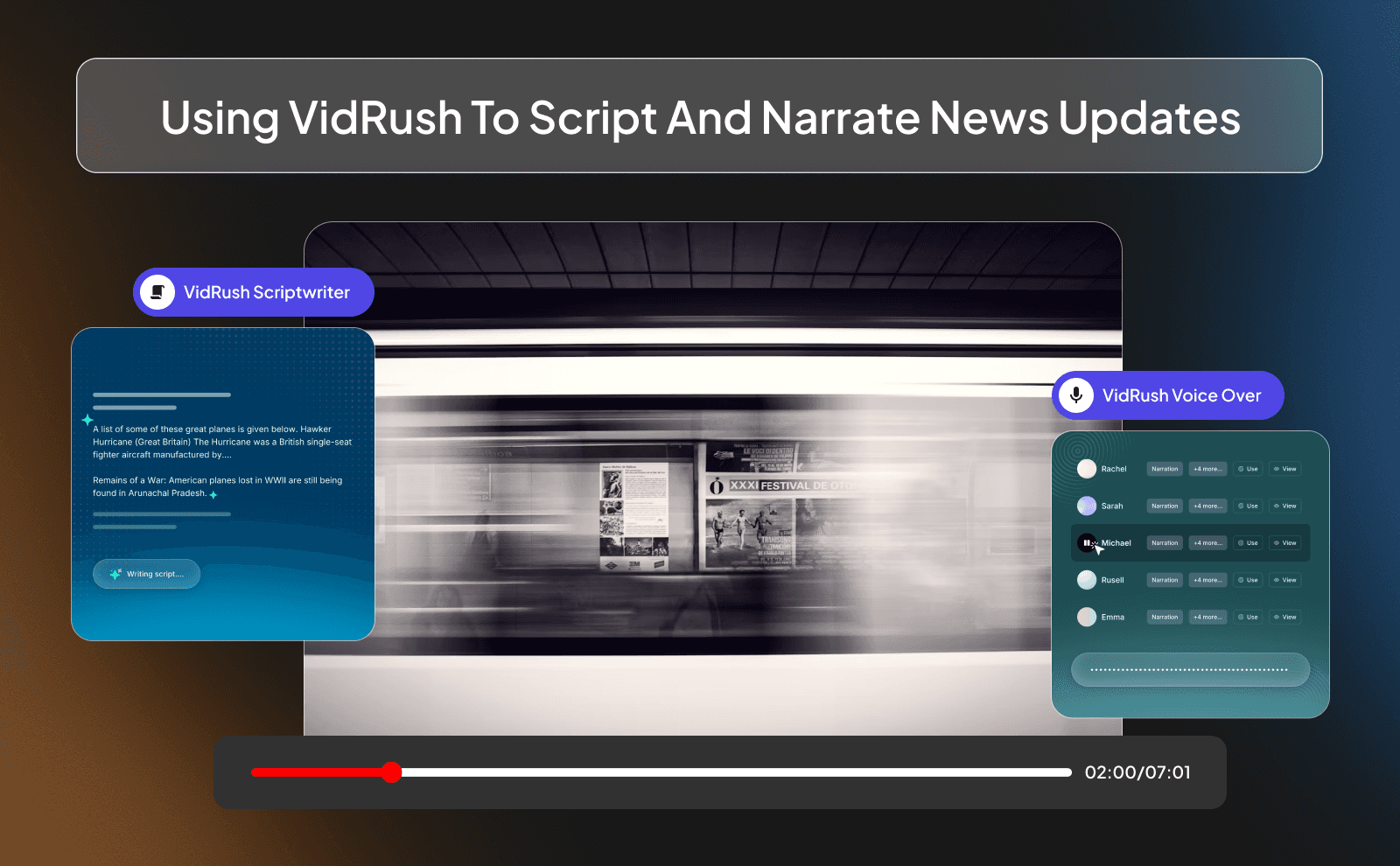
VidRush has been fed thousands of datasets of content examples, and news and commentary are one of them. To be able to produce high quality videos in this niche, you simply have to put in a prompt or a reference video and Vidrush does the rest. And it doesn’t even take more than 15 minutes to complete a task like that while it costs less than a basic production team.
7- Entertainment And Storytelling Videos
It has never been this easier to create entertaining storytelling videos with AI. if you want to make similar videos to those trending history videos, or hour long stories, with just a click of a button and a bit of waiting you get that done.
Creating Animated Stories Using VidRush
Creating animated stories with VidRush starts with a simple prompt. You describe the story, and the tool turns it into scenes that match what’s being said. As the story moves forward, the visuals change with it which keeps viewers engaged. This works well because people like seeing progress in a story.
Building Narrative Content Without Traditional Filming
Traditional storytelling videos usually need a lot of writing, days of editing, and huge amounts of preparation before recording. VidRush removes all of that. You don’t need to record yourself or plan anything. You just provide the prompt, and the video gets built around it. This makes storytelling accessible to anyone, even beginners.
Using VidRush For Creative Storytelling And Visual Effects
Viewers don’t wanna watch a powerpoint presentation, and that’s exactly what VidRush avoids doing. With sound design, captions, background music, AI generated visuals, and all these other important video elements VidRush makes sure the videos don’t turn out boring and bland.
How To Choose The Right AI Tool For Your YouTube Content
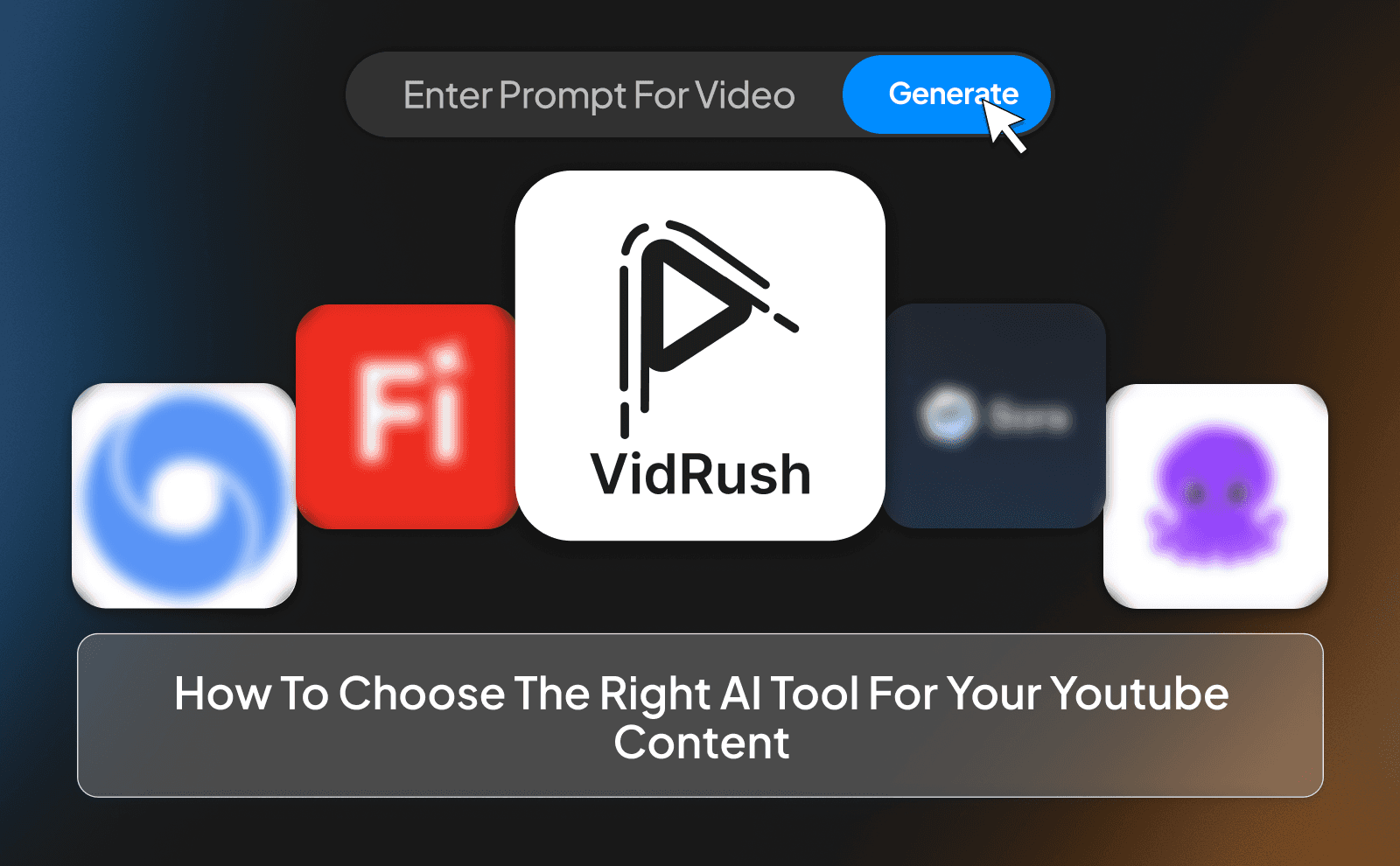
Choosing the right AI tool comes down to one thing: does it actually make your life easier? A lot of tools look impressive on the surface but just turn your videos into boring, lifeless slideshows. If the tool feels like more work than help, it’s the wrong one.
The right tool should help you move faster without killing quality. It should handle the boring parts like visuals, captions, and sound design, while still letting you control the final result. If it feels simple to use and your videos don’t look “AI-made,” you’re on the right track.
Comparing Popular AI Video Creation Platforms
Most AI video platforms do the same basic thing, but the results are very different. Some tools are fine for turning text into slides, but that’s not what works on YouTube. Viewers don’t want to watch a presentation pretending to be a video.
Better platforms focus on motion, sound, visuals, and flow. They build videos that actually feel like YouTube content. When you compare tools, don’t look at features, look at the final video. That’s what viewers will judge.
Key Features To Look For In AI YouTube Video Makers
A good AI video tool should handle more than just visuals. Sound design, captions, background music, transitions, and pacing all matter. These small details are what keep people watching instead of clicking off after 10 seconds.
You also want flexibility. The tool should let you tweak things, not lock you into one style. If you can adjust scenes, voiceovers, and visuals easily, you’ll have way more control over how your content feels.
Matching AI Tools To Your Content Creation Goals
Not every AI tool fits every type of content. If you’re doing educational or documentary-style videos, you need something that explains ideas clearly. If you’re making entertainment or storytelling content, flow and visuals matter more.
Before choosing a tool, be honest about what you want to make. The best AI tool is the one that fits your content style, not the one with the longest feature list.
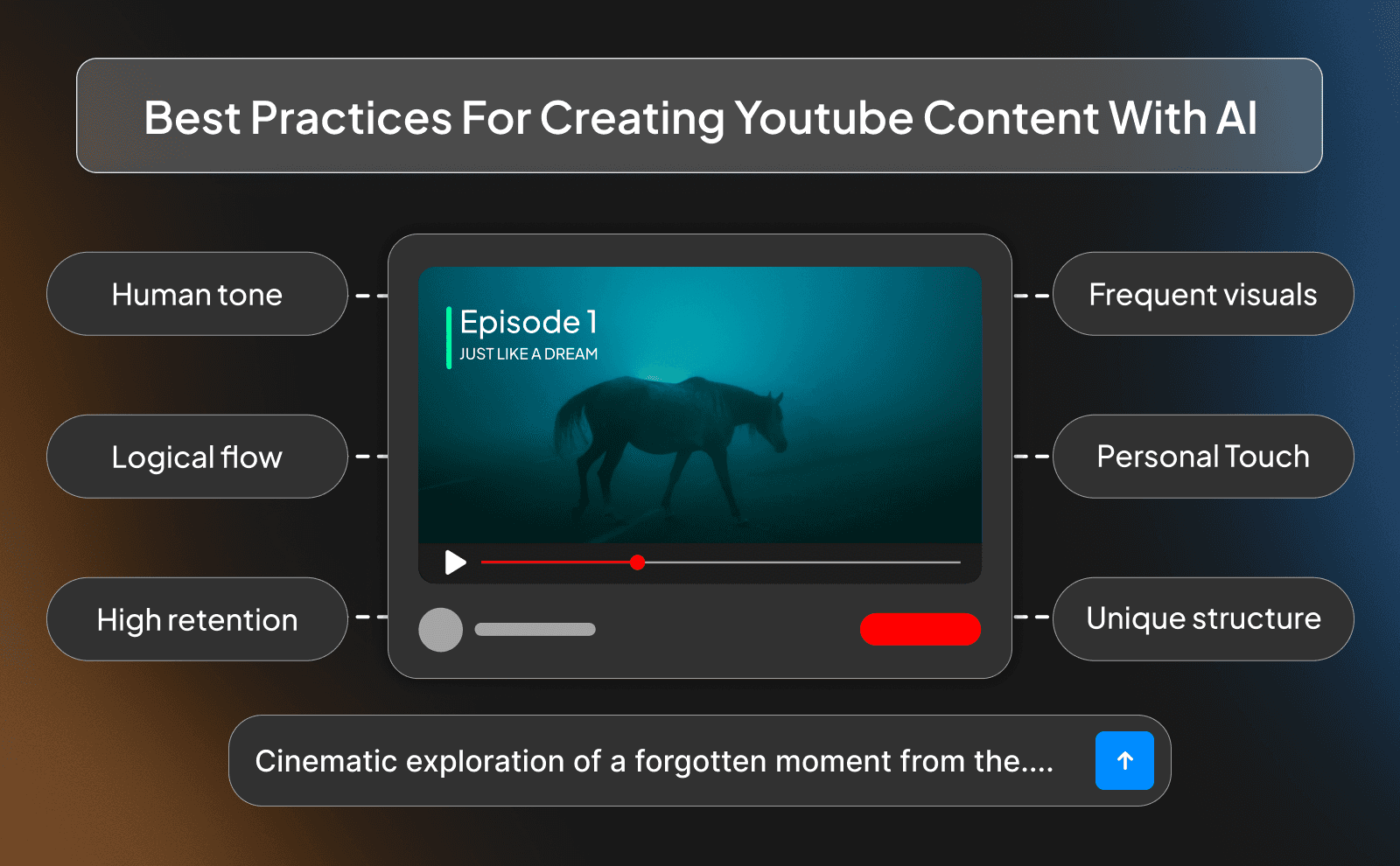
Best Practices For Creating YouTube Content With AI
Maintaining Authenticity While Using AI For Content Creation
People can tell when a video feels fake or lazy. Even with AI, your content should sound natural and human. Simple language, clear points, and a logical flow go a long way.
Authenticity comes from how you explain things, not from showing your face. If the video feels honest and useful, viewers won’t care that AI helped make it.
Optimizing AI Generated Videos For YouTube’s algorithm
The algorithm cares about one thing: do people keep watching? That means your videos need a strong start, clean pacing, and no dead moments. AI can help with the base structure, but you still need to guide it.
Good hooks, clear sections, and visuals that change often help retention. If people stay longer, YouTube will push your video more. It’s that simple
Adding Your Personal Touch To AI Created Content
This is where most people mess up. They let the AI do everything and never add themselves into it. Even small tweaks make a big difference.
Change wording, adjust sound design, add your own script, or structure things your way. When your videos feel slightly different from everyone else’s, people notice. That’s how you stand out, even when using AI.
Conclusion
Using AI to make YouTube videos isn’t about replacing you, it’s about helping you work smarter and faster. Even though AI does a lot of the work, your personal touch still counts. How you explain things, structure your video, or tweak the visuals is what makes it feel real and keeps people watching. Done right, AI lets you run a channel faster, easier, and without ever showing your face.
FAQs
Can AI Create YouTube Videos From Start To Finish?
Yes, right now AI can handle everything from script to visuals to voiceover
What Kind Of YouTube Videos Can I Make With AI?
Explainers, tutorials, storytelling, marketing, news, documentaries, and basically any faceless video style.
Do Faceless YouTube Channels Work In 2026?
Absolutely, especially with AI tools that make production faster and easier.
What Are The Best AI Tools To Create YouTube Content?
Right now VidRush has proved from results that it’s the number one best AI production team that takes care of everything
Is It Possible To Make Money On YouTube Using AI Content?
Yes, as long as your content provides value and follows YouTube’s rules,
How Do People Create Videos With AI Without Using A Camera?
They use AI to generate scripts, visuals, voiceovers, and edits automatically.
Can I Use AI For YouTube Content Creators Without Showing My Face?
Yes, faceless videos with AI avatars, voiceovers, or animations work perfectly.
Are There Any Limitations To Using AI Video Ideas For YouTube?
The main limits are creativity and quality. you still need to guide the AI and add your personal touch.