
Noah Morris
Co-Founder

The Ultimate Guide to AI Script Generator Tools in 2026
Every creator knows this feeling: you have the idea, you know the topic is good, but when it’s time to write the script… your mind goes blank. What should you say first? How do you make it long enough without repeating yourself? One script can take days to finish. And if you’re posting three times a week, that pressure never stops. By the time you finally complete one video, you’re already behind on the next. It drains your energy and leaves almost no time for other tasks.
This is exactly why using an ai script writer makes so much sense. Instead of struggling to build everything from scratch, you start with a complete base script in minutes. You give it your topic and direction, and it creates a full script you can refine and personalize. Now you’re not wasting days writing, you’re spending your time improving and producing more content.
What Is An AI Video Script Generator And Why You Need One?
An AI video script generator is basically a tool that helps you turn an idea into a full script in minutes. Instead of staring at a blank screen wondering how to start, you type in your topic, your audience, and maybe the style you want, and it gives you a solid first draft. It can write hooks, outlines, full scripts, calls to action, and even different versions of the same video idea. Think of it like having a writing partner who never gets tired and is always ready to brainstorm with you.
You need one because time is everything, especially if you're trying to stay consistent on YouTube or any platform. Writing scripts manually can take hours, sometimes days. An AI tool speeds that up like crazy. It helps you stay consistent, test more ideas, and publish more content without burning out. And the more you post, the more you learn what works. In 2026, speed and consistency are huge advantages, and this gives you both.
What AI Script Writers Are And How They Help With Video Making?
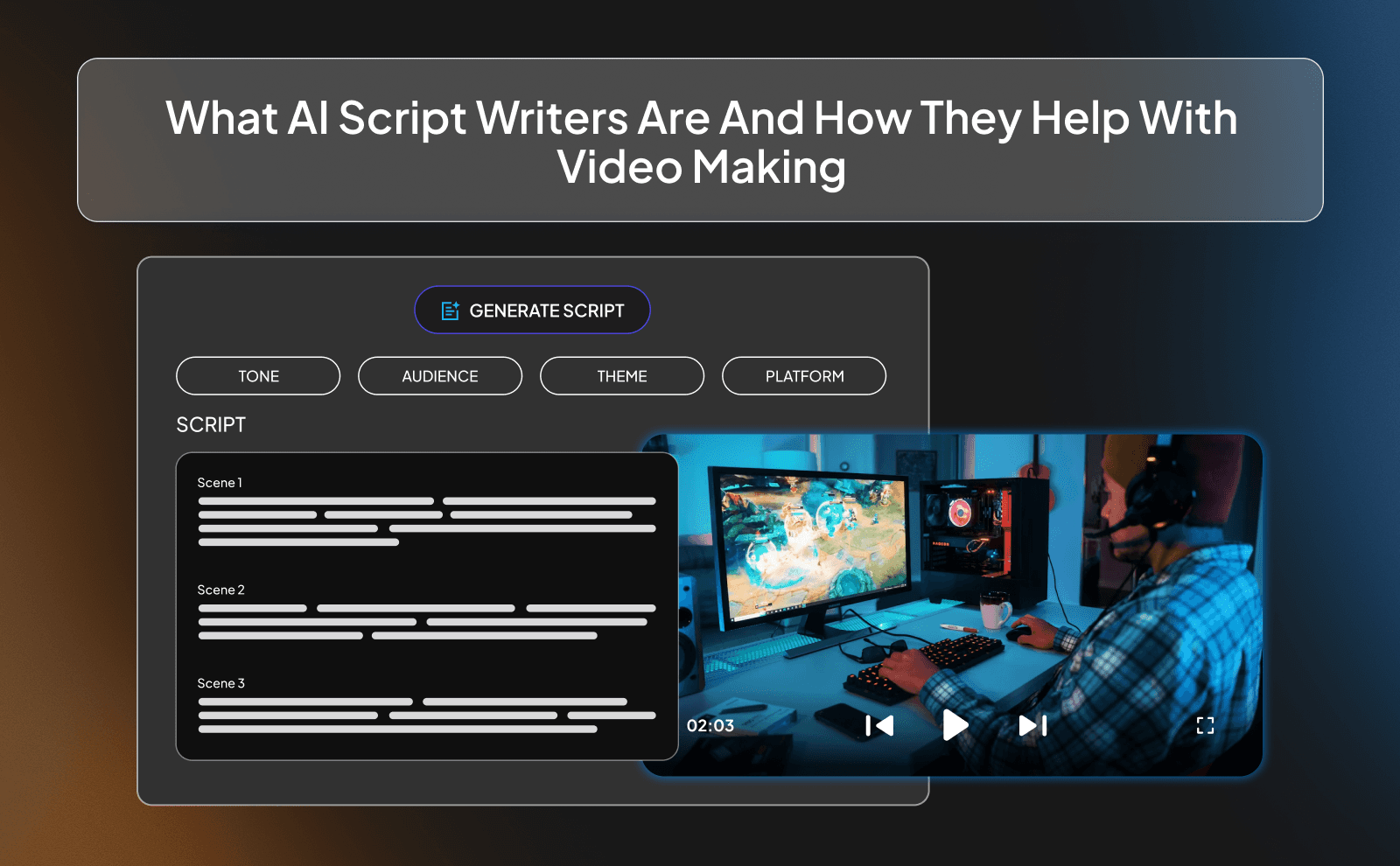
AI script writers are tools powered by artificial intelligence that generate written content based on prompts. You give them instructions like “Write a YouTube script about making money online for beginners” and they build it for you. They can structure your video, suggest different hooks, create smooth transitions, and even match a specific tone like funny, serious, or storytelling.
When it comes to video making, they save you from the hardest part: starting. They help organize your thoughts, fix messy ideas, and turn rough notes into something clear and engaging. They can also help you rewrite boring parts, improve your hooks, or make your script more emotional or more simple. Instead of spending 3–4 hours writing, you might spend 45 minutes editing and improving. That changes everything for creators who want to scale.
How AI Is Changing YouTube Script Writing In 2026?
In 2026, AI isn’t just a cool extra tool, it’s becoming part of the normal workflow for creators. A lot of YouTubers now use AI to brainstorm video ideas, analyze what’s trending, and generate first drafts. The creators who move fast are using AI to test different hooks, different titles, and different script angles before even filming or creating. That means better videos, stronger retention, and more growth.
It’s also changing the quality level. Small creators now have access to the kind of writing that used to require hiring a professional scriptwriter. That lowers the barrier to entry. If you’re consistent and smart with how you use AI, you can compete with bigger channels much faster. The game is less about who can write perfectly and more about who can execute quickly and improve fast.
Manual Scriptwriting Vs AI: Time And Money Compared
Manual scriptwriting takes time, and time is money. If it takes you 4 hours to write one script and you post three times a week, that’s 12 hours gone just on writing. If you hire a scriptwriter, that could cost anywhere from $50 to $300 per script depending on quality. For beginners or small creators, that adds up really fast. Writing everything yourself also drains your energy before you even start filming.
With AI, you cut that time down massively. You might spend 30–60 minutes generating and refining instead of 4 hours starting from scratch. That means you can post more, test more ideas, and improve faster. Financially, most AI tools cost far less per month than hiring a writer for even one script. And for creators who care about efficiency, that difference is huge.
How AI Video Script Generators Actually Work?
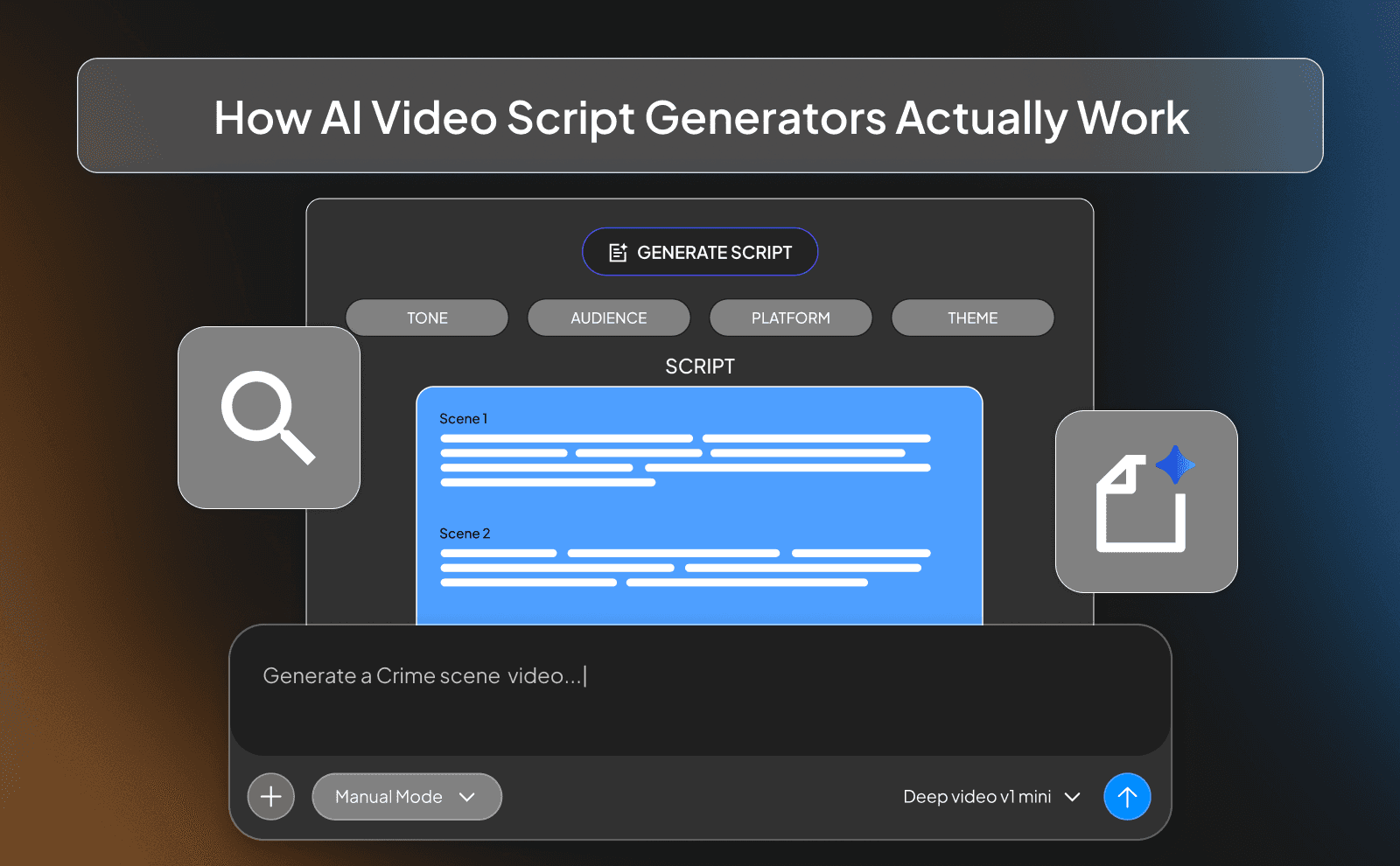
AI video script generators work by studying huge amounts of text from books, articles, websites, and videos. Over time, they learn patterns. how people start videos, how they explain things, how they tell stories, and how they end with a call to action. When you type in your topic, the tool doesn’t “think” like a human. It predicts what words should come next based on everything it has learned. That’s how it builds full scripts in seconds.
For beginners, the important thing to understand is this: the quality of what you get depends on what you give it. If you type something basic you’ll get something basic. Clear input equals better output. So always make sure that the prompt you’re giving is actually well detailed in a way that gives all the info needed.
The Simple Technology Behind AI Script Writers
At the core, AI script writers use something called a language model. This model is trained to recognize patterns in sentences. It doesn’t have opinions or personal experience, it works with probability. If millions of videos start with a question, the AI learns that questions are common hooks. If most tutorials use step-by-step instructions, it learns that structure too.
You don’t need to understand coding to use it well. Just know that it responds to instructions. The more specific your instructions, the better it performs. Think of it like giving directions to someone who follows instructions exactly as you say them. If you’re unclear, the result will be unclear too.
Main Features That Make AI Video Script Generators Useful
Most AI video generators come with features that save time and reduce mental effort. They can create video outlines, introductions, full scripts, titles, descriptions, and even short versions for TikTok or Reels. Some tools also let you choose tone like casual, serious, funny, or educational. Others help rewrite sections to make them shorter or easier to understand.
Another useful feature is idea generation. If you don’t know what to film, the AI can suggest video topics based on your niche. It can also expand bullet points into full explanations. For beginners who struggle with starting or organizing thoughts, these features remove a lot of pressure and help you focus on filming and improving delivery instead of overthinking every sentence.
What You’ll Get From AI Generated Scripts?
When you use AI, you usually get a script with a clear beginning, middle, and end. It may include a hook, key points, examples, and a closing message. This gives you a foundation to work from instead of starting from zero. That alone saves hours.
But remember, the script won’t be perfect. Sometimes it may repeat ideas or sound robotic. That’s normal. Your job is to add your own voice, real examples, and personality. The AI gives you speed and a solid base script, you add the human touch.
Step By Step Guide: How To Use An AI Video Script Generator?
Picking The Right AI Script Generator For You
Not all AI tools are the same. Some focus on short-form content, while others are better for long YouTube videos. As a beginner, look for something simple. You don’t need dozens of advanced settings. You need something easy to use that produces clear scripts quickly.
Also check pricing. Some tools charge monthly fees, while others offer limited free plans. If you’re just starting and not making money yet, test free versions first like ChatGPT or Claude AI. The best tool is the one you’ll actually use consistently, not the most expensive one.
Setting Video Length, Style, And Who Will Watch
Before generating a script, decide how long your video should be. A 3-minute video is different from a 10-minute one. Short videos need straight-to-the-point explanations. Longer ones can include examples and deeper breakdowns.
You should also define your audience clearly. Are they beginners? Students? Entrepreneurs? Old people? The way you explain things changes depending on who’s watching. If your audience is new, use simple language and clear steps. If they already know the basics, go deeper and focus on strategy.
Creating And Checking Your First Draft
Once the AI gives you the script, read it slowly. Look for repeated points or parts that feel unnecessary. Sometimes the tool may over-explain simple ideas. Cut those sections down. Keep your video tight and focused.
Also check the hook. The first 10–20 seconds matter the most. If the opening feels weak, rewrite it. You can even ask the AI to generate five different openings and choose the best one. Always improve the first lines.
Editing And Making A Customized AI Script
This is where you stand out from others who just copy and paste AI writing. Whenever you use AI to write, make sure that you add your own opinions, small personal experiences, or examples from your life. That makes the script feel real. Replace generic phrases with how you would actually say them.
You can also simplify sentences. If something sounds too long, break it into shorter lines. Read it out loud. If you stumble while reading, your audience will probably struggle listening. Edit until it feels natural to say.
How To Use VidRush For AI Script Writing For Faceless YouTube Videos In 2026?
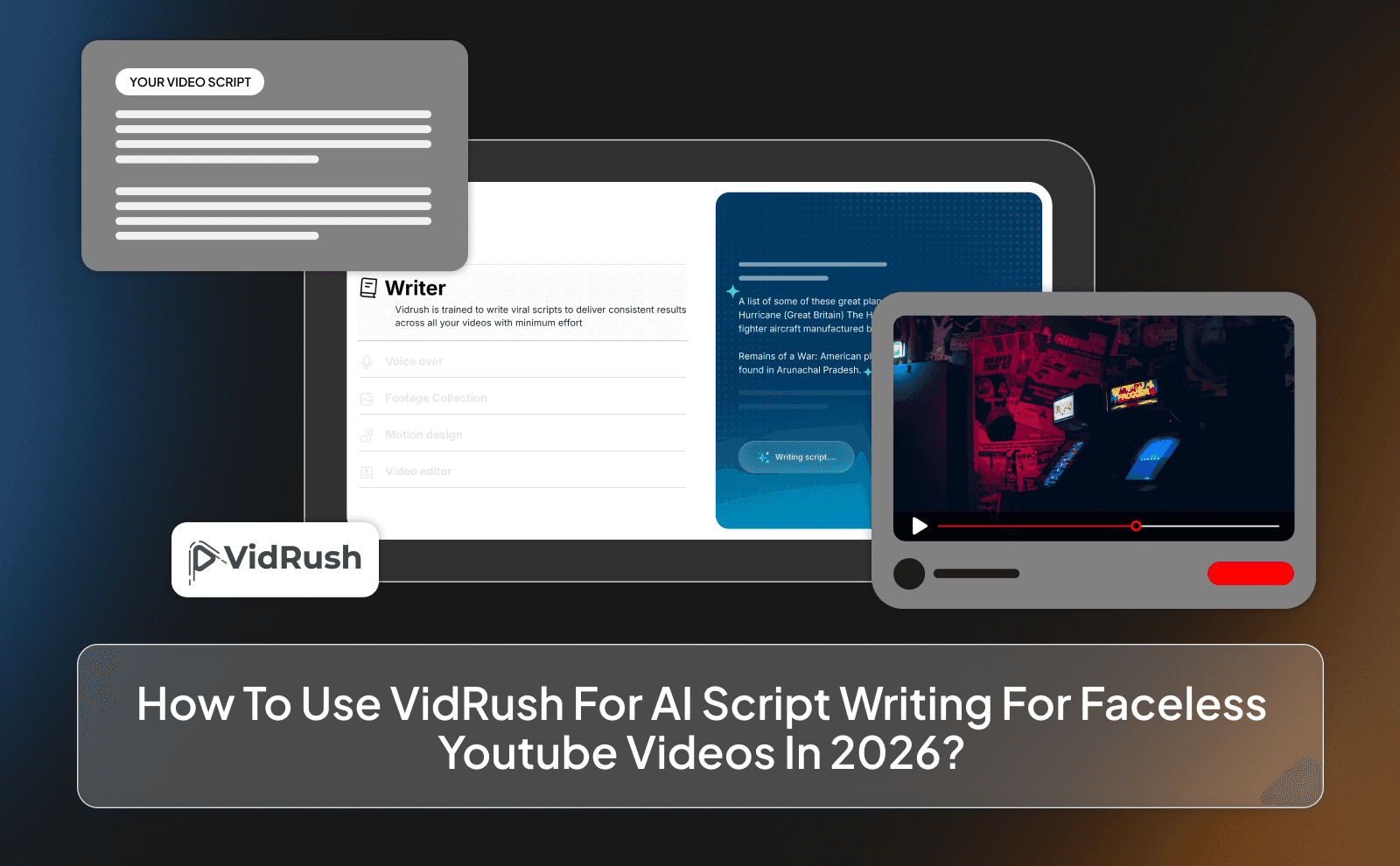
If you’re running a faceless channel, speed and structure matter a lot. With VidRush, you start by entering a clear idea or prompt. The clearer your topic, the better the result. Once you submit it, VidRush generates a full script automatically. You don’t need to build the outline yourself. It already understands what works because it’s backed by data from thousands of viral channels.
What makes it useful is that you’re not locked into one option. You can let it write everything for you, or you can paste your own script and improve it inside the platform. You stay in control. For faceless videos, it can also help with other parts of the process, not just the script. That means less switching between tools and more focus on uploading consistently.
Best AI Tools For YouTube Script Writing In 2026
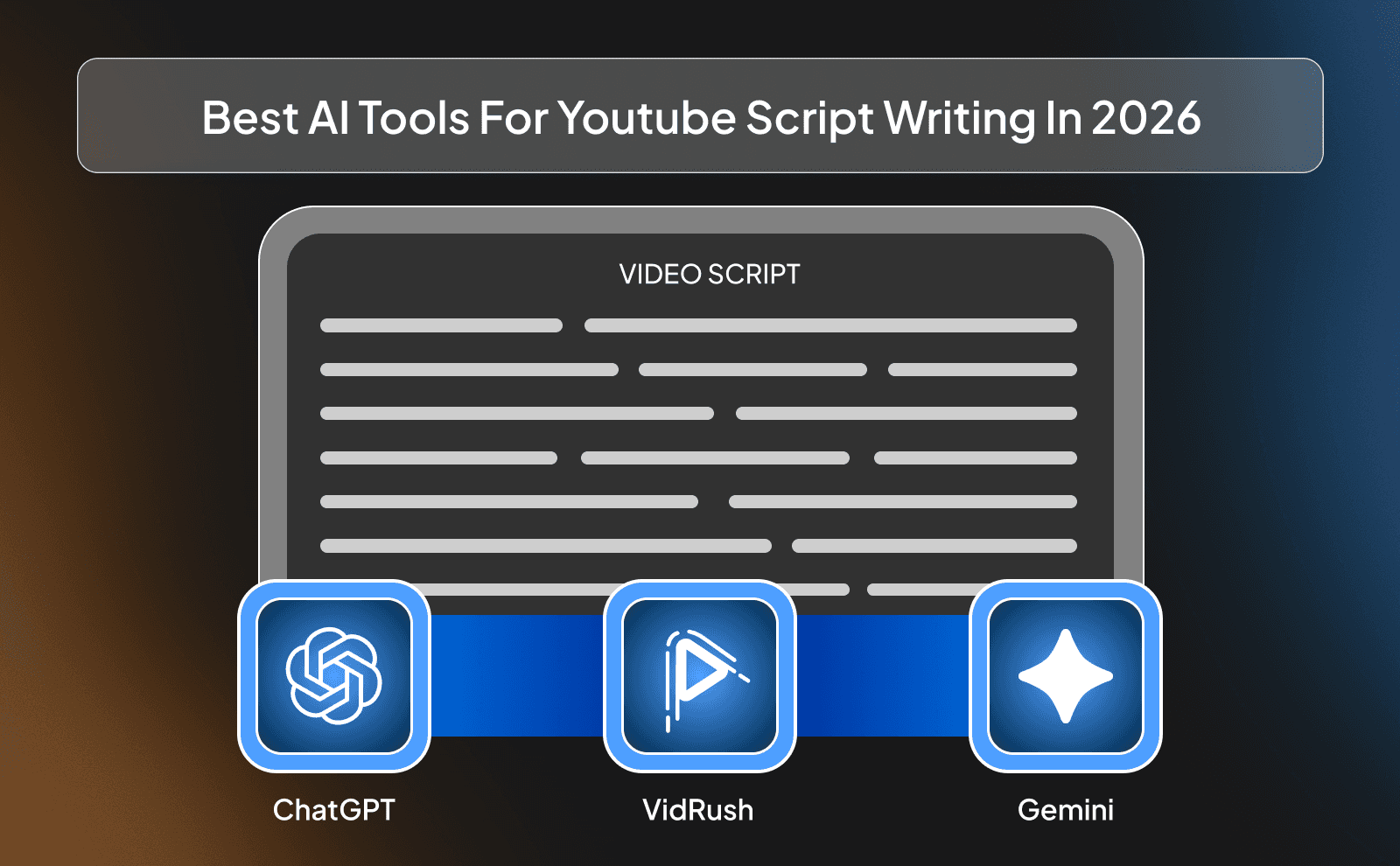
VidRush
VidRush is good because it’s built specifically for faceless YouTube videos. It doesn’t just write random text, it uses patterns from successful channels to write videos in a way that keeps people watching. That’s helpful if you’re new and don’t fully understand retention yet.
It’s especially useful for faceless automation channels because it handles more than just writing. Instead of using five different platforms, you can manage most of the creation process in one place. That saves time and keeps things simple.
ChatGPT And Other Popular AI Script Writers
Tools like OpenAI’s ChatGPT are very flexible. You can use them for almost any niche. business, history, fitness, finance, storytelling. The key is giving detailed prompts. The better your instructions, the better the output.
Other AI writers work in a similar way. They respond to what you type. They’re great if you want full control and like adjusting things step by step. They may not be built only for YouTube, but if you guide them properly, they can still produce strong scripts.
Special Video Script Tools And What Makes Them Different
Some tools are built only for video scripts while some of the AI tools are made for content creation. These platforms often include built-in structures like hook, body, outro. That helps beginners who don’t know how to organize a video properly.
The main difference is focus. General AI tools can write anything. Video-focused tools are designed around watch time, pacing, and retention.
Free Vs Paid AI Scriptwriting Tools, Which One To Choose
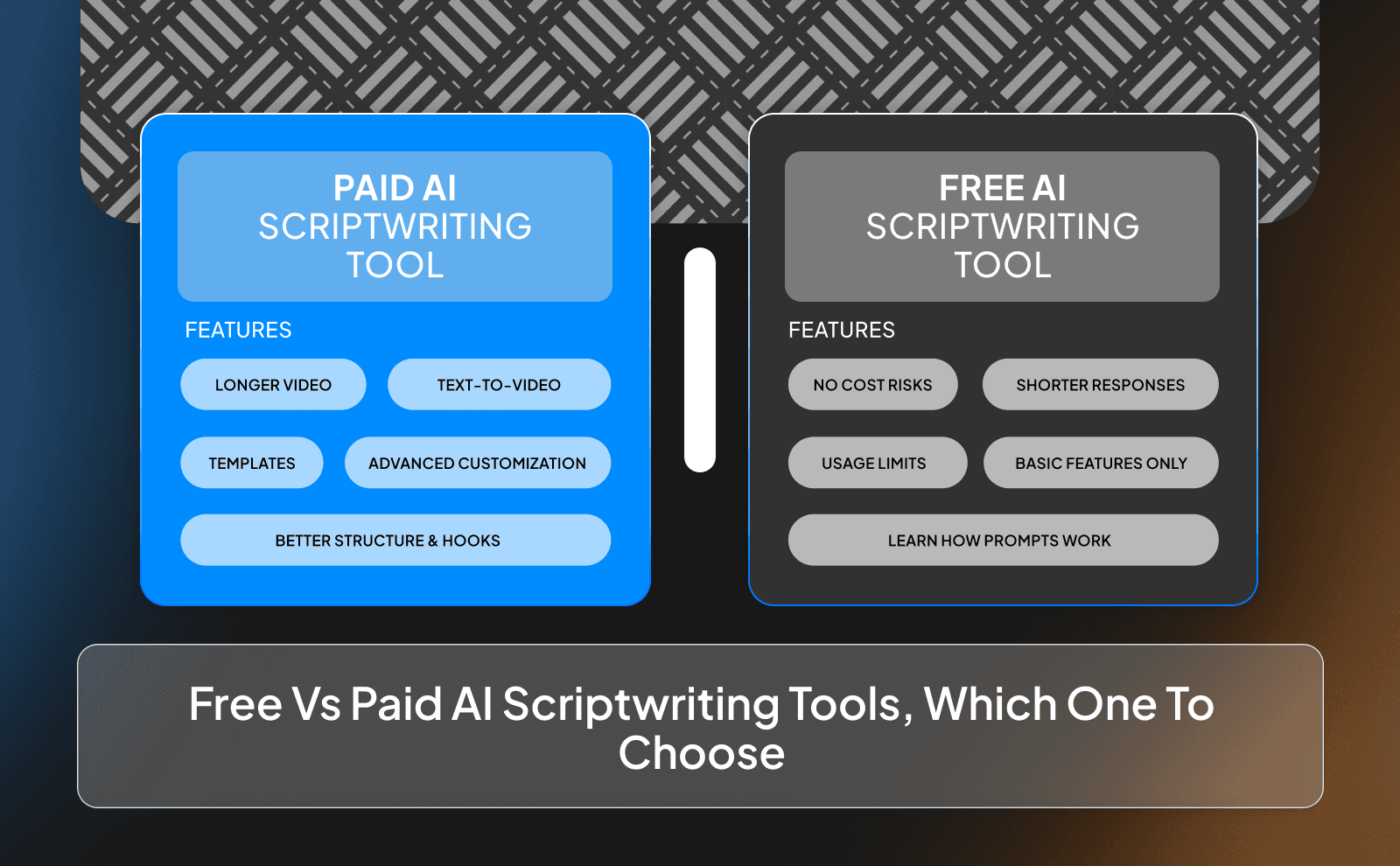
Free tools are great when you’re just testing ideas. You can learn how prompting works without spending money. But they usually have limits. shorter responses, fewer features, or usage caps.
Paid tools give you more freedom. Longer scripts, better customization, sometimes built-in video features. If you’re actually committed about uploading weekly and building a real channel, paid tools can save you enough time to justify the cost. If you’re still experimenting, start free and upgrade later.
Writing Different Types Of Video Scripts With AI
AI isn’t just for one style of video. You can adjust your prompts depending on what you’re creating. The structure of a teaching video is different from a sales video. Once you understand that, you can guide the AI properly instead of accepting whatever it gives you.
Always start your prompt by defining the goal of the video. Is it to teach? To entertain? To convince someone to buy? The clearer the goal, the stronger the script will be.
Making YouTube Video Scripts With AI
For normal YouTube videos, ask the AI to include a strong first 20 seconds, clear sections, and a simple ending that tells viewers what to do next. You can even request timestamps if you want better organization.
After it generates the script, read it out loud. If it feels too long in certain parts, shorten them. If something sounds repetitive, cut it. AI gives you speed, but you still decide what stays.
Building Explainer And Teaching Video Scripts
When creating teaching videos, tell the AI to break things into steps. Ask it to use simple language and real-life examples. Beginners especially need clear explanations, not complicated words.
You can also ask it to include common mistakes people make. That adds value and keeps viewers interested because they want to avoid those mistakes.
Writing Sales And Marketing Video Scripts
For sales videos, structure matters a lot. Start with a problem your audience relates to. Then explain the solution and show the benefits clearly. Finally, tell them what action to take. An AI script writer can help you organize this flow, but make sure the benefits are specific. Avoid vague promises. If you’re selling something, clarity builds trust.
Making Your AI Generated Scripts Work Better
The first version you get should never be the final version. Think of it as a base. Your job is to improve it. Shorten parts that drag. Strengthen weak openings. Add clearer transitions.
Adding Your Own Style And Personality
Replace generic lines with phrases you actually use. If you’re more direct, make it direct. If you’re more calm and detailed, adjust it that way. Adding small personal insights, even in faceless videos, makes a difference. It could be your opinion, your experience, or your way of explaining things. That’s what separates you from every other channel using AI.
Putting In SEO Keywords The Right Way
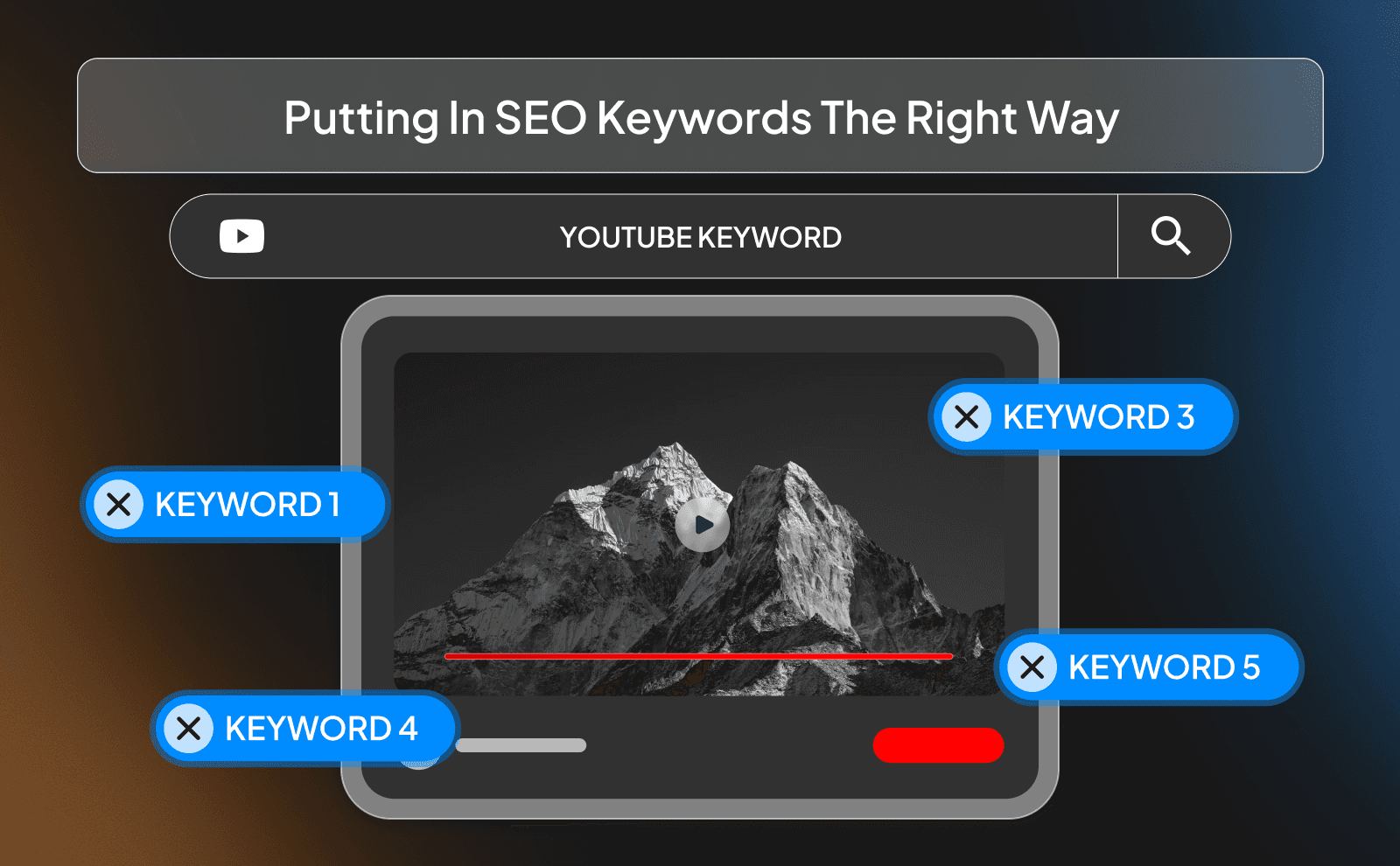
Don’t stuff keywords everywhere. That makes scripts sound unnatural. Instead, place your main keyword in the introduction, maybe once in the middle, and naturally near the end. Focus on clarity first. If the script sounds good when spoken, you’re doing it right. YouTube cares about watch time more than keyword repetition.
Creating Strong Openings And Clear Next Steps
The first 15–20 seconds decide if people stay. Start with a clear benefit or a problem viewers care about. Avoid long introductions about yourself or the channel. At the end, give a simple next step. That could be watching another video, subscribing, or trying something you explained. Don’t overcomplicate it. One clear action works best.
Checking Facts And Making Sure Everything Is Correct
AI can sometimes give outdated or incorrect information. Always double-check statistics, dates, and claims. especially in finance, health, or news topics. Use trusted sources to confirm important details. Even if AI speeds up writing, accuracy is still your responsibility. One wrong fact can damage trust, and trust is hard to rebuild.
Common Mistakes To Avoid When Using AI Script Writers

Trusting AI Too Much Without Fixing Errors
AI can sometimes repeat ideas, give outdated information, or make claims that sound confident but aren’t fully accurate. If you don’t double-check, you risk spreading wrong information. That can damage your channel long-term.
Always read through the script carefully. Look for repeated points, strange sentences, or facts that need verification. Think of AI as an assistant, not an expert. You are still the final decision-maker.
Forgetting About Your Viewers And Brand Voice
If you rely only on AI, your videos may start sounding like everyone else’s. That’s because many people are using similar tools. If you don’t adjust the script to match your personality or your channel style, you blend in instead of standing out.
Always ask yourself: “Does this sound like me?” If your channel is direct and bold, make the wording stronger. If it’s calm and educational, simplify and slow it down. Your voice matters more than the tool.
Not Taking Time To Review And Improve
The first version is rarely the best version. Even professional writers edit their work. Skipping this step makes your videos weaker than they could be. Read your script out loud. If something feels awkward to say, rewrite it. If a section feels too long, cut it. Clean and simple scripts usually perform better than long, over-explained ones.
Using Simple Prompts That Give Boring Results
If your prompt is basic, your output will be basic. Saying “Write a YouTube script about business” is too vague. You need to guide the AI clearly. Instead, say something like: “Write a 7-minute YouTube script for beginners about starting a small online business in 2026. Include common mistakes and clear steps.” The more direction you give, the better the result.
How To Use VidRush For The Complete AI Video Production Workflow?
With VidRush, you don’t just stop at the script. You begin with your idea or prompt, and the platform generates the script for you. Because it uses data from thousands of successful channels, the structure is already designed to keep viewers watching.
After the script is ready, you can move through the rest of the process inside the same system. That includes generating the voiceover, editing the video from start to finish while putting the visuals and auto generating them, and even making the thumbnail for that video using advanced AI models.
Best Tips For AI Video Script Writing
Writing Clear Instructions For Better AI Output
When writing prompts, include details like video length, target audience, tone, and goal. For example: “Create a 10-minute educational YouTube script for students about budgeting money. Use simple language and include real-life examples.” The more specific you are, the less editing you’ll need later. Think of prompts like instructions. If you’re detailed, the result improves.
Using Several AI Tools Together
Sometimes one tool is better at brainstorming ideas, while another is better at expanding those ideas into full scripts. You don’t have to rely on only one platform. For example, you could generate topic ideas in one tool, write the script in another, and then use a different tool for titles and descriptions. Combining tools can improve quality while still saving time.
Keeping Your Videos Similar In Style
Consistency helps build a recognizable channel. Even if you use AI, your videos should follow a similar structure each time. strong start, clear middle, simple ending. You can even create a template and reuse it. That way, every script follows your format, not just whatever the AI randomly generates.
Knowing When To Use AI And When To Write Yourself
AI is great for speed, a solid base, and brainstorming. But sometimes, personal stories or strong opinions are better written by you directly. If a topic is based on your experience, write that part yourself. If it’s a research-based or structured topic, let AI help organize it. The smartest approach is mixing both.
Conclusion
AI script generators are advanced tools, but they work best when you stay in control. They save time, help you stay consistent, and remove the pressure of starting from a blank page. But they still need your direction, your editing, and your personality.
If you use them wisely with clear prompts, careful review, and your own voice added in, they can help you build content faster without lowering quality. The tool doesn’t build the channel. You do. AI just helps you move faster.
Frequently Asked Questions
Can AI Really Write Good YouTube Scripts?
Yes, AI can write good scripts, but the best results come when you edit and add your own touch.
What Is The Best AI Tool For YouTube Script Writing?
The best tool depends on your needs, but platforms like VidRush and ChatGPT are popular because they’re flexible and give you a lot of control.
How Long Does It Take To Make A Video Script With AI?
Most AI tools can generate a full script in seconds, and with editing, you can finish everything in 30–60 minutes.
Do I Need Writing Skills To Use An AI Video Script Generator?
No, but basic editing and clear prompts will help you get much better results.
Is AI Script Writing Good For SEO And Getting Found Online?
Yes, if you include the right keywords naturally and focus on viewer retention.
Can AI Script Generators Work For Different Video Platforms?
Yes, you can tweak your prompt to create scripts for YouTube, TikTok, Instagram, or any other platform.
How Much Does An AI Video Script Generator Cost?
Costs vary, from free plans with limits to paid subscriptions that usually range from $10/mo up to $99/mo, and sometimes even more.
Will AI Replace Human Scriptwriters Completely?
No, AI can speed up the process, but human creativity, emotion, and real experience still matter.
Increase content creation speed with AI script generator tools that write video scripts in minutes for YouTube faceless channels.